Journal · Brand
How to photograph your shop without a photographer
A decent phone photo of your shop, taken near a window in the morning with a clean background, will do more for your brand than a studio shoot you can't afford every week.
A florist in Fountain Square texted me a photo of her Saturday arrangements last month. The light was coming in from the left, the flowers were in a white bucket, and her inventory room was visible in the background with flattened cardboard boxes stacked against the wall. The flowers themselves were stunning. The photo looked like a photo of a storage unit.
She asked if I thought it was "good enough to post."
It wasn't. Not because of the flowers. Because of everything around the flowers.
This is the thing about shop photography that nobody tells you: your phone is probably fine. The camera on a mid-range iPhone or Android in 2026 outperforms what professional photographers were hauling around in cases in 2010. The camera is not the problem. The light and the background are the problem. And those are both fixable, usually in five minutes, with no equipment.
Why does my phone still take bad photos?
Your phone camera captures whatever is in the frame, with no editorial opinion about what matters. Your brain has been filtering out the cardboard boxes behind your counter for three years. The camera sees them fresh, every single time, with the same weight it gives to the flowers.
That gap between what you see and what the camera sees is the whole game. Once you learn to look at your space the way the camera does, your photos get dramatically better before you touch a single setting.
The two things that actually control how a photo looks
Light
Natural light from a window, coming from the side of your subject, is softer and more flattering than any overhead fluorescent or warm LED. It does not create the yellow cast that indoor bulbs leave. It does not flatten everything the way straight-down overhead light does.
If you photograph your products or your space in the morning, near a window, with the light coming from the side, your photos will look dramatically different from what you are posting now.
"Morning" is doing a lot of work in that sentence. Between about 7 and 10 a.m., the sun is low and its light comes in at an angle. That angle creates shadows that give objects dimension. A croissant lit from the side looks layered and textured. The same croissant shot under overhead fluorescents looks like a foam prop.
One thing to cut when you are shooting near a window: your overhead lights. When you mix daylight (cool and blue) with warm LED pendants, you get a color cast that is very hard to fix in editing. Pick one light source. Let the window win.
The background
The florist's photo was a storage unit photo because the storage unit was in it.
Your background is almost never neutral. There is a power strip, a shelf of supplies, a bag from your last Costco run, a coat on a hook. You stopped seeing all of it. The camera never does.
The fix is almost always one of three things.
A plain wall. If you can back your subject up against a clean white, cream, or dark-painted wall, you are done. The product pops. The space reads as intentional.
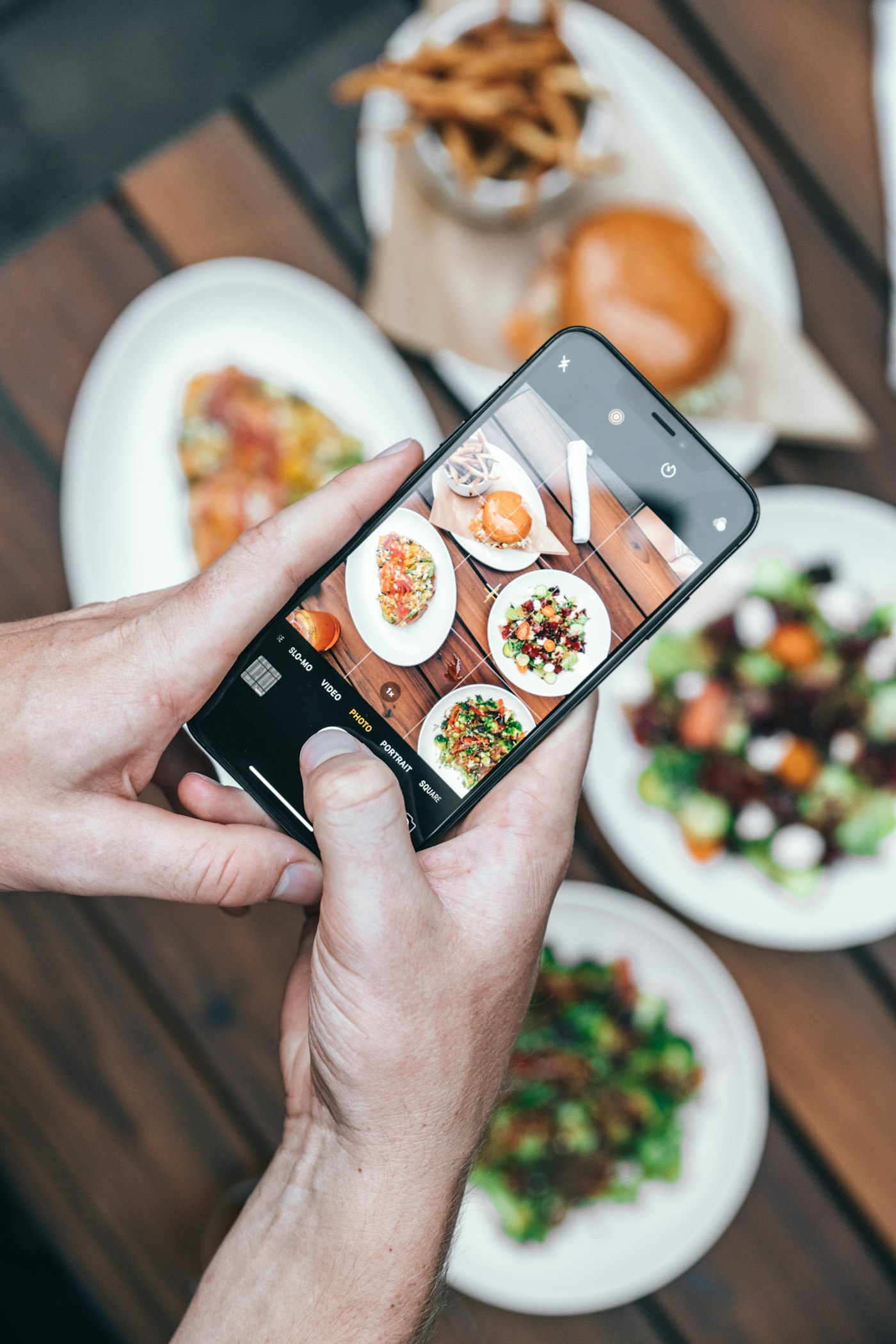
A styled flat surface. A wooden board, a marble slab, a folded linen cloth, a piece of kraft paper laid on your counter. Put the product on top and shoot from above. This is called a flat lay, and for food, floral arrangements, and small retail products, it works beautifully and takes about forty seconds to set up.
A background far enough away to blur naturally. Move your subject closer to the camera. Move the camera closer to the subject. The background, now more distant, softens and stops competing. You do not need portrait mode for this, though it helps.
When to use portrait mode (and when not to)
Portrait mode blurs the background using software to simulate what a large camera lens does naturally. For products at arm's length, it works beautifully. The subject stays sharp, the background goes soft, and the photo has a finished look.
Do not use portrait mode on your dining room, your storefront, or any wide shot of your space. The software has to decide where "the subject" ends and the background begins. It gets confused by complex shapes and edges, and anything that is not a clear object at a clear distance. You end up with chair legs that are half-blurred and a wall that randomly sharpens. It reads as amateurish in a specific way that is easy to spot.
For wide shots of your space, turn portrait mode off. Instead of trying to capture the whole room, move the camera closer to something beautiful: the light hitting your display case, a detail on the counter, the texture of your handwritten signage. A tight detail photo of one well-lit corner of your shop will outperform a wide shot of the whole room every single time.
The one editing adjustment worth making
When you are done shooting, open the photo in your phone's native editor. You are making exactly two adjustments.
Brightness. Drag it up until the photo feels open. Most indoor photos are underexposed. Most people under-correct because they are afraid of blowing out the highlights. You probably need more brightness than feels comfortable.
Warmth. Adjust slightly toward warm if the light was very cool and blue-ish, slightly cooler if your bulbs made everything orange. The goal is for white surfaces in your photo to look like actual white.
That is it. Do not add a filter. Do not crank the saturation. Do not touch "vibrance" or "structure" sliders unless you know what you are doing. Bright, clean, and white-balanced is the finish line.
If you want a second tool, Lightroom Mobile is free. It does everything I just described, and it lets you save a preset so every photo you take has the same look. Consistency across your photos is what makes your shop's grid feel like a brand rather than a collection of shots someone took on different days in different moods.
Five shots every shop should have in their camera roll right now
Most shops do not have any of these. Photograph all five this week before you open one morning.
1. Your front door, from the sidewalk, on a weekday morning. Good light, door propped open, your sign visible. This is the photo someone looks for when they are trying to confirm they found the right place. Google Business Profile exterior photos are among the highest-clicked images on a local business listing.
2. Your best thing, close up. Your signature pastry, your most-requested arrangement, your flagship product. Shot near a window, clean background, portrait mode on. This is your social hero image.
3. Hands doing something. Kneading, arranging, packaging, writing on the chalkboard menu. Action shots of real work are the most humanizing photos a small shop can post. They consistently outperform static product shots on Instagram because people respond to people, not objects.
4. One detail that makes your shop yours. The tile behind your counter. The handwritten sign. The specific way you tie your paper bags. The vintage light fixture nobody else has. These photos do not explain your business. They show people why your shop feels like your shop.
5. You, or whoever actually runs the place, near a window. Not posed. Just standing near your window light, doing something real. People buy from people. A well-lit, unforced photo of the actual human behind the counter is one of the highest-performing content types for local shops on Instagram, and most shop owners never post one.
The camera is not the problem. The light and the background are the problem. And those are both fixable, usually in five minutes, with no equipment.
Once you start looking at your space the way a camera sees it, not the way you have seen it every day for three years, you will spot the window you have been walking past every morning without thinking about it. That is your studio. It has been there the whole time.
Sources
| # | Source | What it backed up |
|---|---|---|
| 1 | The Ultimate DIY Guide to Beautiful Product Photography — Shopify | Natural window light and background control as the two primary variables in phone product photography quality. |
| 2 | How to Capture High-Quality Product Photos with Your Smartphone — Shopify | Portrait mode use cases, mixed light source problems, and window light timing guidance. |
| 3 | Product Photography for Small Businesses 2026 — Welpix | 2026 standards for small business product photography without studio equipment; flat lay technique. |
| 4 | Five Photos That Pull More Walk-ins — Luminest | Companion piece on which photos drive the most engagement on Google Business Profile for local shops. |