Journal · Brand
Pinterest's Beauty Guides: give your salon photos a clear label
Pinterest's new Beauty Guides help customers describe saved hair and nail looks; salons can make booking clearer by pairing real portfolio photos with specific service labels.
A hair photo can show a gorgeous copper bob and still leave a customer unsure which appointment to book. I love the color. I also want to know whether I need a haircut, a color consultation, or both.
On October 6, 2026, Pinterest launched Beauty Guides, an AI feature that helps people describe hair and nail looks they save. For your salon, I'd start with a small design change: put a clear service label beside two photographs of your own work.
You can make that change without buying a new tool. Give the person admiring the photo enough information to choose an appointment.
What do Pinterest's Beauty Guides do?
Pinterest users can open a hair or nail Pin, tap "Get the Guide," and save the result. Pinterest generates suggestions about what to ask for at a salon, along with related looks and products. The October 2026 launch covers iOS users in the United States; Pinterest plans to expand access.
Your next client might arrive with a written AI explanation alongside the reference photo. Ask them which detail they want you to recreate. You still need to assess the work and agree on the price before they sit down.
Pinterest's October 2026 Beauty Trend Report lists searches as specific as "textured French bob" and "dark red cat eye nails design." Those phrases give you examples of how customers describe a look. They don't establish demand in your Indiana neighborhood.
My recommendation is about helping a customer understand your work. Pinterest hasn't established that rewriting a caption will improve your ranking or change what its AI guide says.
How should you label a salon portfolio photo?
Choose a photo you took of a service you offer, with the client's permission to share it. Write the caption using details you can confirm from that appointment. Keep the client's private information out of it.
For a nail studio in Noblesville, imagine a photo of a short, almond-shaped manicure with a magnetic cat-eye finish. "Fall favorite" leaves a new client guessing. Try "Short almond nails with a dark-red cat-eye finish. Choose our nail-art appointment; send your reference photo before we confirm the quote."
Use your own service name and booking process in that sentence. A client should be able to find the same wording in your appointment menu.
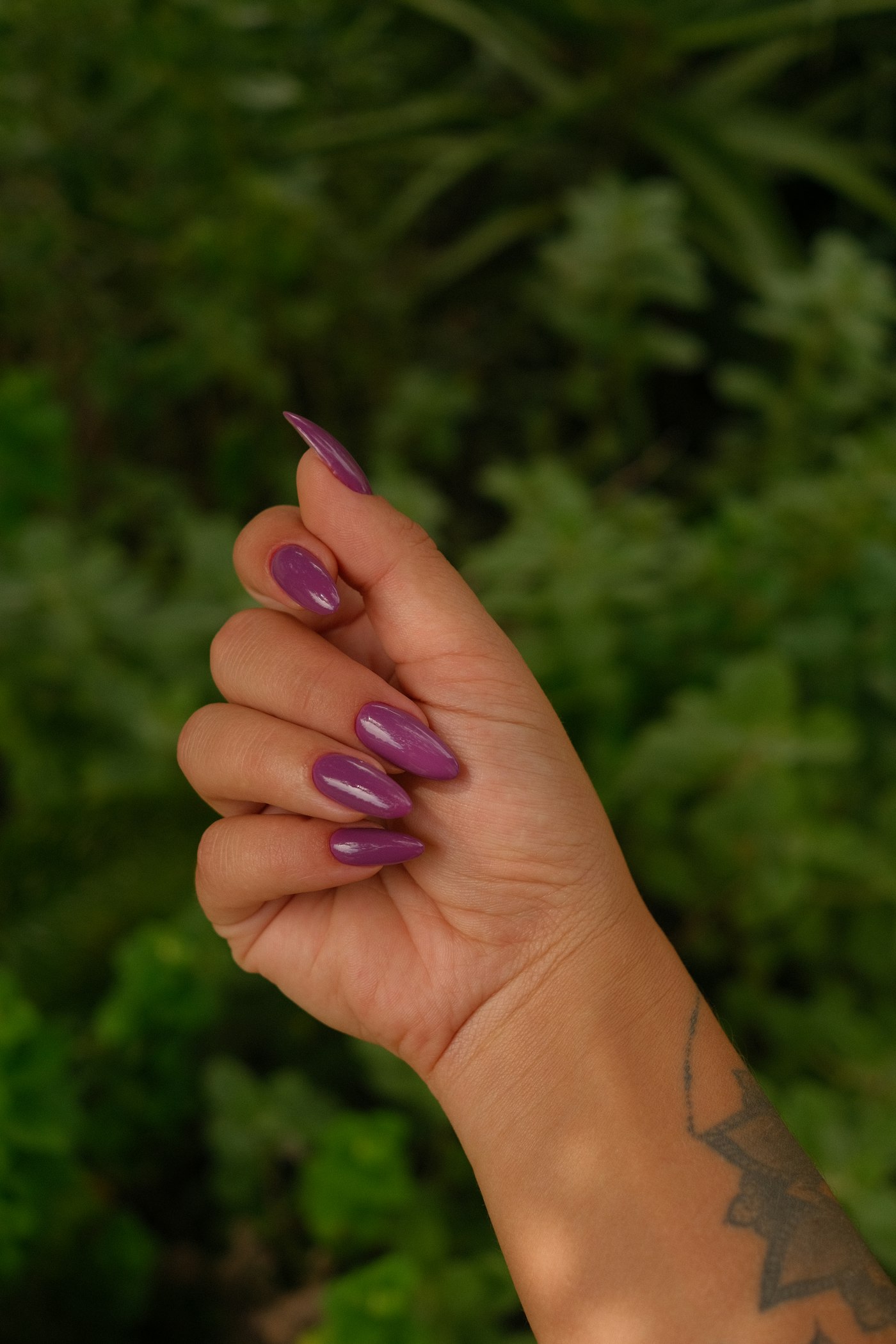
Look at a simpler manicure too. Describe the shape and visible finish so someone can compare it with the more detailed nail-art example. You can show a glossy purple manicure without calling it cat-eye or chrome if you didn't use either technique.
For a hair salon in Carmel, imagine a photo of a textured bob with copper color. Separate the cut from the color in the caption: "Textured bob with copper color. Book a haircut for the shape; request a color consultation if you want the shade too."
That example only works if your salon offers those appointments. Tell a client about the consultation before they assume they can book the whole result in one haircut slot.
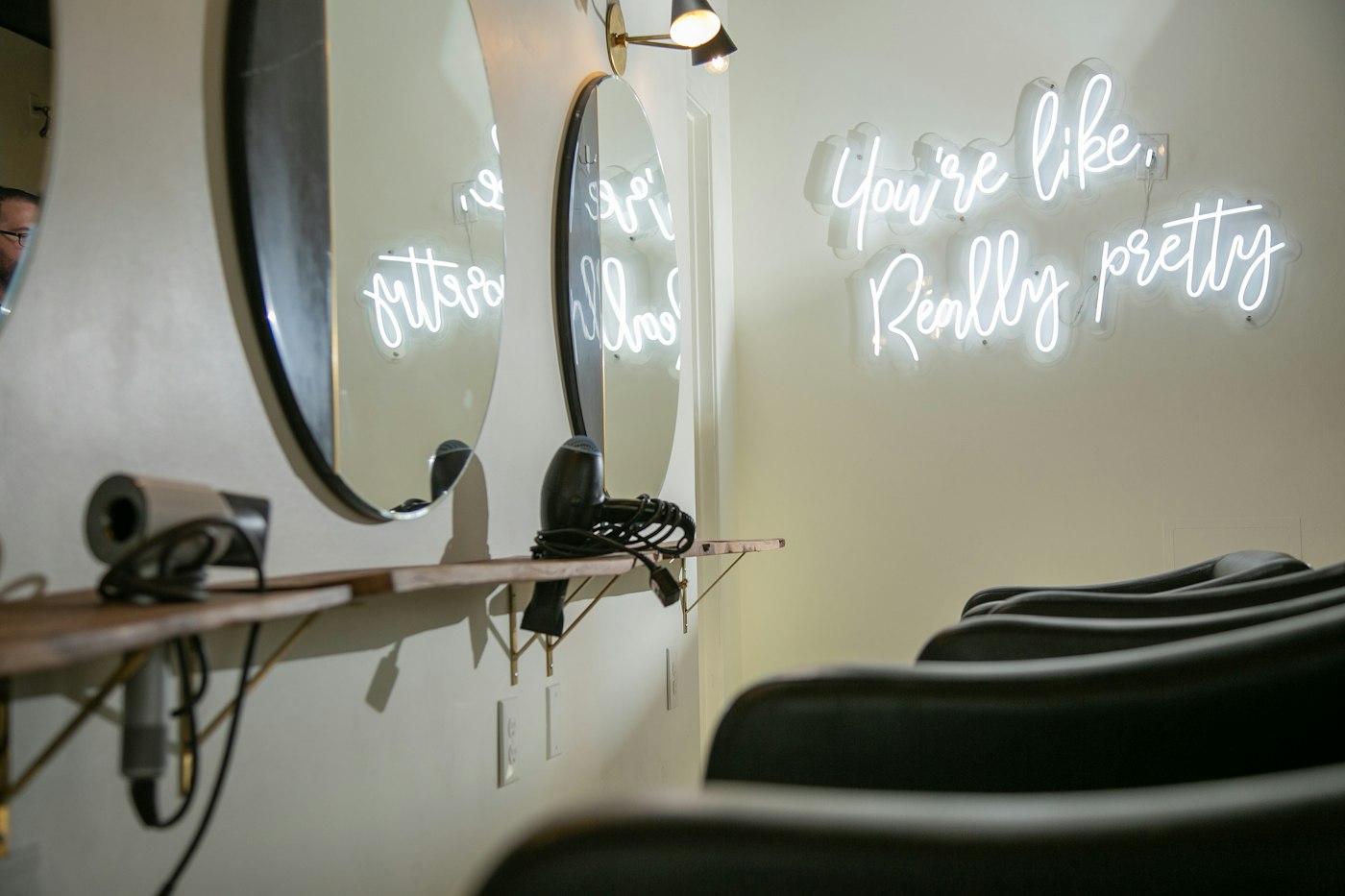
I wrote about choosing a homepage photo that shows your shop because your customers deserve to see the place they'll visit. Keep a room photo in your portfolio too, with a caption identifying your salon. A reference image from another business can help during a conversation, but label it as inspiration if you share it.
Put the service name beside the photo so a customer can recognize the look and choose the right appointment.
Can a customer find the caption on a phone?
Open your website's gallery on your phone. Keep the caption beneath or beside its photo, in text the customer can read without zooming. Avoid hiding the service name in a tiny label that appears only when someone moves a mouse over the image.
Follow the appointment link yourself. Check that you reach the service you described. In my mobile design review guide, I ask owners to test one customer task at a time. Here, the task is choosing the appointment for the look in the photo.
If your website needs a developer to add captions or connect the gallery to booking, ask for that specific change. Our website services include an editor you can use yourself; ask whoever builds your site to show you how to update a portfolio entry before handing it over.
Choose one photo before you close the salon tonight. Write down the appointment you'd offer the person who points to it tomorrow.
Sources
| # | Source | What it backed up |
|---|---|---|
| 1 | Pinterest: Beauty Guides launch | The October 6, 2026 launch, guide contents, and initial U.S. iOS availability. |
| 2 | Pinterest: Beauty Trend Report 2026 | The specific hair and nail search phrases listed in the October 6, 2026 report. |
| 3 | Luminest: What your homepage photo is telling people | Related guidance on showing your own work and space in website photography. |
| 4 | Luminest: Figma's mobile design review | Related guidance on reviewing one customer task on a phone. |