Journal · Brand
Canva can import your brand. Check which version it found.
Canva can build a Brand Kit from your website, but you should compare the imported assets with your approved logo and color values before making new shop materials.
You can forget the old logo in your website footer until you copy it onto 500 new appointment cards.
Canva's September 2026 feature roundup, updated September 28, highlights building a Brand Kit from a website address. A Brand Kit is a saved collection of your design assets. Before you use an imported kit, compare it with the logo and color values you have approved for your business.
I love the prospect of finding the right logo without opening six folders. I would still check which file came back. You may have replaced the sign above your door two years ago and left the website footer untouched.
What does Canva import from your website?
Canva's Brand Kit Builder instructions say it can collect assets such as logos and colors, and may generate guidance from the source. Canva asks you to review the result before using it. Treat the import as a draft collection that you approve.
You need an eligible plan and permission to edit the kit. Canva lists Pro among the eligible plans; its US pricing page showed $144 per year for one person, before tax, on October 2, 2026. If you already subscribe, this is worth trying during your next design job. You can also keep an approved asset folder without buying a subscription.
In Canva, open Brand and select a new or empty kit. Enter your business website address and review the import. Canva warns that importing into an incomplete kit can replace existing elements, so keep copies of your approved files first.
Our earlier piece on Canva flyers and brand kits covered giving the design tool your own visual choices. The extra step with an import is deciding whether you still use the choices on that website.
How do you check an imported brand kit?
Give yourself 15 minutes and put your current materials beside the screen. I would start with a recent appointment card and the original files your designer or printer supplied.
Picture a tailor in Irvington who changed from a thin script logo to a sturdier wordmark for the shop window. The owner has the new file, but a web developer left the script version on the contact page. After an import, the owner should check the lettering against that approved file before making fitting reminders.
Before you order 500 cards, compare the imported logo with the file you approved for your front door.
Work through the parts you will use on that card:
| Check | Compare it with | Make this decision |
|---|---|---|
| Logo | Your approved original file. | Keep the current version; remove obsolete alternatives from the working kit. |
| Colors | The recorded screen and print values from your designer or printer. | Correct old values and label the main color so a colleague can find it. |
| Type | Your approved font names and a recent piece of shop stationery. | Pick the intended heading and small-text fonts before laying out the card. |
| Photos | Your current premises and products. | Remove pictures of rooms you have changed or products you no longer sell. |
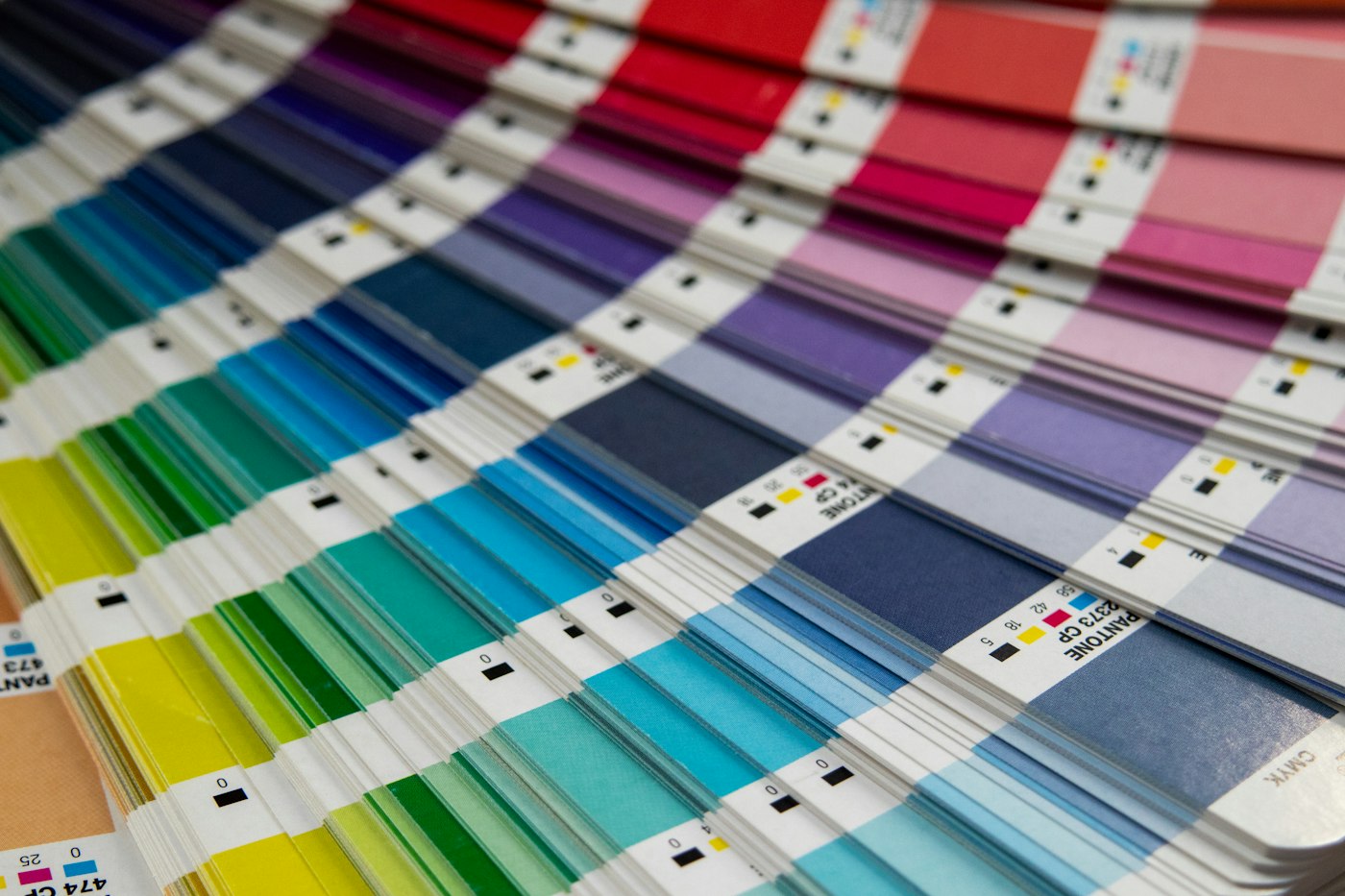
You can choose the correct shade and still see a difference between paper and a glowing screen. Canva's print support guidance explains the difference between screen color and printing ink. Check the recorded values, then ask your printer for a proof before a large order. Sampling a phone photo of your sign will give you the color under that day's light.
You can keep your choices on one page. In the smallest brand kit, I described a modest set of decisions a shop can reuse. Add the date you approved this version and a link to the files. Your next employee should be able to find them without guessing which folder you meant.
What should you make before using the kit everywhere?
Make one thing you need this week, at its finished size.
For another example, imagine a Zionsville bookstore preparing an author-night notice. Its owner might love a delicate display font on a laptop, then struggle to read the event time on a small counter card. Print one copy. Read the date from a customer's side of the counter and check the address on your phone.

I would adjust that card before saving it as the shop's reusable layout. Keep the approved logo in place while you change the text size or spacing. You can improve a notice without reopening the whole identity.
If you find that your website still carries the old choices, give whoever maintains it the same approved folder. Luminest's website services include building the site around the business; a current logo file and clear design decisions are useful starting materials for that work.
Save the checked card beside the kit. Next Thursday, with a customer waiting and a fitting to finish, you will appreciate knowing which version to open.
Sources
| # | Source | What it backed up |
|---|---|---|
| 1 | Canva: What's new in September 2026 | The September roundup's website-to-Brand-Kit feature and September 28 update date. |
| 2 | Canva: Set up your Brand Kit automatically | Import workflow, eligible access, review requirement, and replacement of elements in incomplete kits. |
| 3 | Canva plans and pricing | US Pro annual price displayed on October 2, 2026, excluding tax. |
| 4 | Canva: Fix an issue with your print order | Differences between screen and printed colors, and checking before ordering. |
| 5 | Luminest: Canva flyers and brand kits | Earlier guidance on using a shop's own visual choices in Canva. |
| 6 | Luminest: The smallest brand kit | Keeping a small set of reusable brand decisions. |