Journal · Brand
Google made your customers' phones feel alive
Google's September 2026 Pixel Drop gave Android phones springy, shape-shifting buttons, and it is a good moment to check whether your website's buttons react at all.
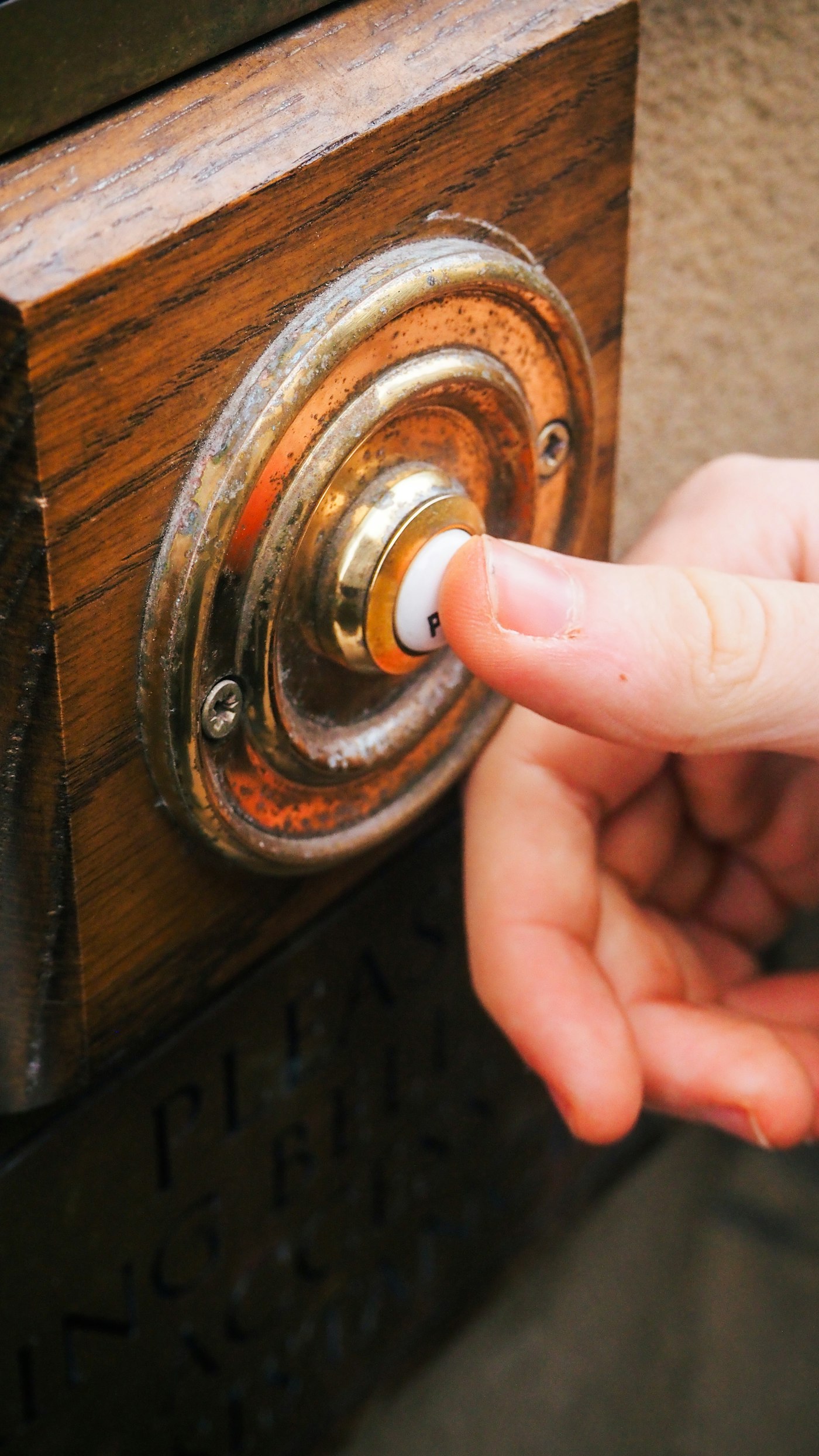
I picked up my phone this week and the "snooze" button on my alarm stretched a little before it let go, like it had some give to it. Small thing. I noticed it anyway.
That is Material 3 Expressive, Google's redesign for Android, and the September Pixel Drop is rolling it out wider starting this week. Buttons change shape when you press them. Menus bounce back like they have real weight. Google calls the animations "springy," and after a week of using one, that is what they feel like: springs, not switches.
Then I opened a barbershop's website in Broad Ripple to check their hours. I tapped "Book Now." The button did not change color or shift. It sat there for a second and a half until the page loaded. My thumb paused, the way you pause when you are not sure an elevator button registered.
That gap, between a phone that responds and a website that doesn't, is the whole story this week.
What is Material 3 Expressive, in plain terms?
It is Google's design system for Android, and this update is about motion and shape more than color. The company added 35 new shapes to its design library, and buttons now morph between them with physics-based springs instead of the flat fade-in, fade-out most apps have used for a decade. Google's own framing is that the goal is for "every tap and swipe" to "feel more responsive." Nothing about that is subtle. It is meant to be felt.
A small business owner does not need any of this software. Skip the redesign that makes your site's buttons bounce like a Pixel's Quick Settings panel. Pay attention instead to what this resets: millions of your customers now touch a phone all day that gives them a small, satisfying signal every time they tap something. When they land on a site that gives them nothing, the silence reads as broken, even when the site works fine.
Does my website need to be this responsive?
Not in Google's sense. You do not need shape-morphing, haptic rumble, or a springy volume slider on your booking form. You need the much older, much simpler thing that Jakob Nielsen wrote about back in 1993 and that still holds: a system should react to a tap within about a tenth of a second, or the person doing the tapping starts to wonder if it worked. That threshold has not moved in thirty years. What has moved is how used to it people are.
I ran this test on a dozen Indianapolis small business sites this week. You can run it on yours in under a minute. Pull up your site on your own phone. Tap every button: "Call now," "Book," "Order," "Get directions." Watch what happens in that first half second.
- Does the button change color, shrink slightly, or shift shadow the instant you touch it?
- If it links to another page, is there any visual cue before the new page paints?
- If it is a form button, does it show a loading state, or does it just sit there?
Most sites I checked failed at least one of those three. A dry cleaner in Garfield Park had a "Schedule Pickup" button that was an image, not a button, so it gave zero feedback and did not look clickable on close inspection. A used car lot in Avon had the opposite problem: a hover effect that only worked with a mouse, which means it never fired on the phones that make up most of their traffic.
None of this requires a redesign. A tap state is a few lines of CSS: a background color that shifts, a border that appears, a subtle scale-down on press. It costs a developer maybe twenty minutes per template on a site with clean code. What it buys you is a site that feels alive instead of dead the moment someone's thumb lands on it, at the moment they are deciding whether to trust you with an order or a phone call.
A dead button is the default nobody bothered to change.
I am not telling shop owners to chase every Google redesign. Most of them do not matter to you. This one is worth five minutes because it changes what "feels normal" for the person holding the phone, and that person is your customer before they are anything else.
Sources
| # | Source | What it backed up |
|---|---|---|
| 1 | Material 3 Expressive & Live effects Make Your Pixel Yours | Confirms the September Pixel Drop, rolling out starting September 4, 2026, and Google's own description of "springy animations" making taps and swipes feel more responsive. |
| 2 | Android and Wear OS are getting a big refresh | Google's original Material 3 Expressive announcement, describing the physics-based springy motion system and shape-morphing components. |
| 3 | M3 Expressive: New Components, Motion, Shapes, and More | Source for the stat that the update added 35 new shapes and shape-morphing to the Material Shapes Library. |
| 4 | Response Time Limits: Article by Jakob Nielsen | The 0.1-second threshold for a UI to feel like it is reacting instantly, used as the benchmark for the tap-test in this piece. |