Journal · Playbook
Klaviyo's new email previews: approve the discount before sending
Klaviyo's shared previews let owners review the latest email without a login; approve the discount and exclusions together, then recheck any edits before sending a holiday offer.
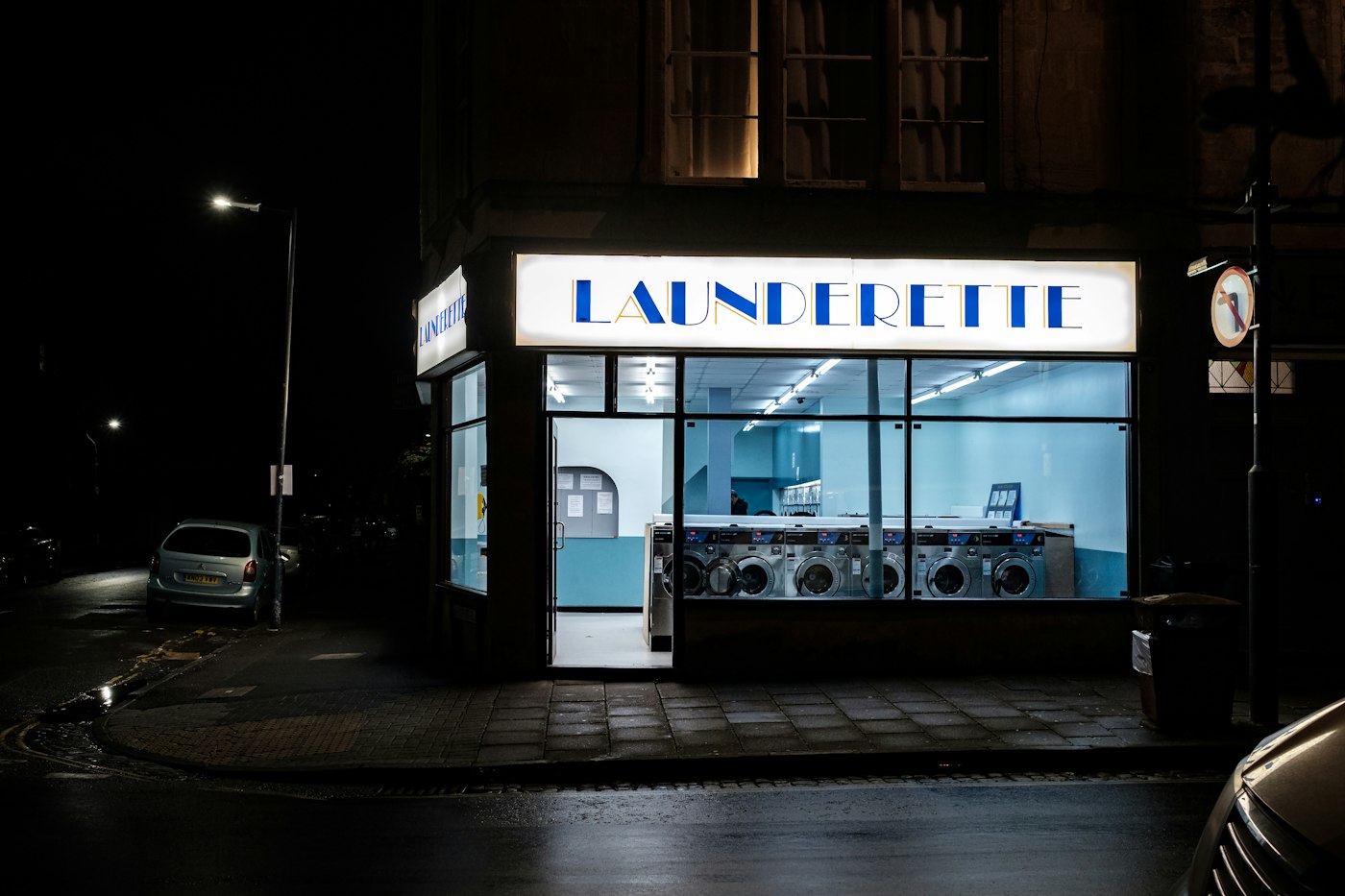
If 25 customers use a 20% discount you meant to cap at 10%, you give up an extra $100 on $40 orders. For a dry cleaner in Franklin planning a winter-coat offer, I'd check that percentage before admiring the email design.
In its November 17, 2026 product announcement, Klaviyo introduced shareable email previews and template version history. Owners can review the latest email without a Klaviyo login. My recommendation: use the preview to approve the exact offer, then require another check if someone changes it before sending.
How do you share a Klaviyo email for review?
Klaviyo's preview instructions cover campaign and flow emails made in its drag-and-drop editor. You can name up to 10 reviewers. Each email or test variation has its own link.
The person preparing the campaign can do this:
- Open the email and click Preview.
- Under Create a shareable preview link, enter the reviewers' email addresses.
- Click Generate URL, then share the copied link.
- Ask each reviewer to enter their listed address and choose View preview.
The link expires seven days after you create it.
For the Franklin cleaner, I'd involve the owner and the colleague who takes coats at the counter. Ask that colleague to explain which garments qualify and the last day customers can drop them off. If the two of you interpret the offer differently, change the wording before the send.

A browser preview has limits. Klaviyo displays default personalization values there, and unsubscribe links do not work. Send a test email to check inbox appearance. Use a live send to an internal test list to check unsubscribe links and other send-time behavior. Share the review link with the intended people; Klaviyo checks the entered address against your list without verifying ownership of that address.
What does a wrong discount cost?
For our imagined cleaner, hold the order value and number of redemptions constant. This calculation isolates the extra discount; it makes no prediction about how many customers will buy.
| Example: 25 orders at $40 each | Intended 10% offer | Mistaken 20% offer |
|---|---|---|
| Discount on one order | $4 | $8 |
| Total discounts | $100 | $200 |
| Sales after discounts, before costs | $900 | $800 |
You collect $100 less while handling the same 25 orders. That is enough reason to give one person responsibility for the final percentage.
An independent music shop in Westfield has a different check. Suppose its email promises 10% off accessories, while the headline says "10% off everything." A customer with a $300 guitar could expect $30 off. The owner needs to settle that wording before the customer reaches the counter, even if the checkout software excludes instruments.

Read the headline beside the detailed terms. Then open the offer page from the email and compare the exclusions. If someone needs to fix that page, our website services cover the site work; bring the approved wording so the person making the change knows which offer to use.
Does the preview preserve the email I approved?
Reviewers see the latest saved email when they reopen the link. Treat your approval as applying to the version you read at that time. I would require a fresh approval after a change to the discount or eligibility rules.
Keep a short written record outside the preview: "Approved November 23 at 3 p.m.: 10% off winter-coat cleaning, drop off by November 30." Save a copy of the wording with it. The shared link continues to show later saved edits.
Approve the discount and its exclusions together, then check them again if someone changes the email before sending.
Klaviyo's version-history guide says it saves a version when you leave the editor after making changes. It groups saves within 15 minutes and restores the latest version in that group. Preview the saved version before restoring it; don't assume you can recover each individual edit.
Version history supports drag-and-drop templates. For an older coded template, I covered making an editable copy. Also check any shared blocks, which Klaviyo calls universal content: restoring a template does not roll those blocks back. A shared offer banner may need its own correction.
If a freelancer handles your email, agree who approves the offer and who presses Send. My marketing-package checklist asks owners to connect paid work to sales; catching a $100 discount error belongs in that conversation, alongside the campaign results.
Print the approved offer for the counter. Your Saturday colleague should be able to answer a customer without finding the person who wrote the email.
Sources
| # | Source | What it backed up |
|---|---|---|
| 1 | Klaviyo: November 17, 2026 product updates | Announcement of shareable email previews and template version history. |
| 2 | Klaviyo: Preview and send test emails | Reviewer setup, latest-version previews, and the limits of shared browser previews. |
| 3 | Klaviyo: View and restore email template versions | Saving and grouping versions, supported templates, and separate handling of universal content. |