Journal · Playbook
FBI FLASH on ARTEX: Check what your business exposes online
The FBI warns that criminals are using ARTEX to speed up intrusions. Ask IT which admin tools are public, what vendors can access, and who gets the first alert.
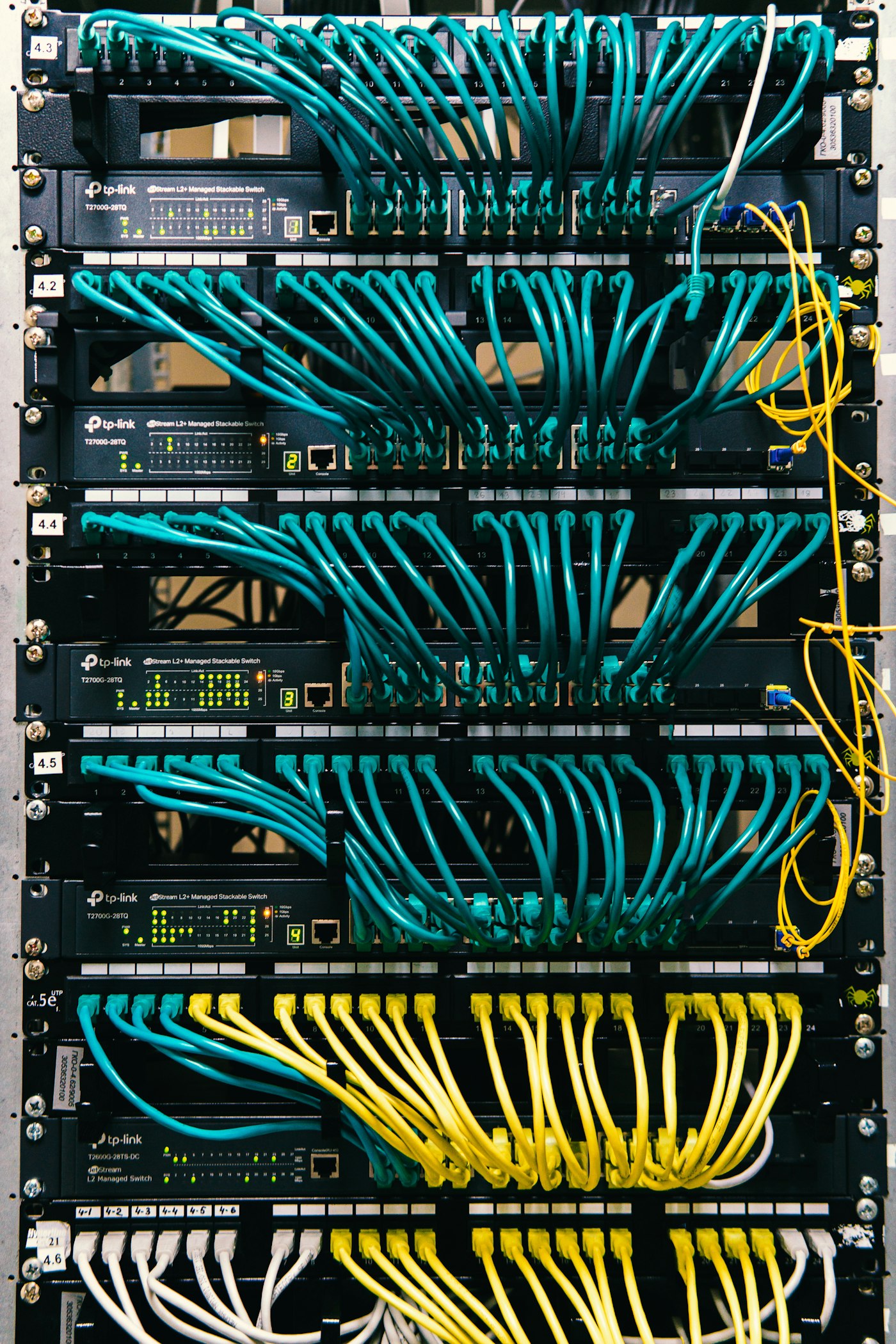
Your website is supposed to be public. The panel you use to manage it usually isn't. That distinction is the first thing I'd check after the FBI's November 13 FLASH advisory on ARTEX.
The FBI says threat actors have used ARTEX, an AI-assisted security-testing framework, to automate parts of real intrusions across multiple industries. In some reported cases, attackers went from targeting an organization to gaining elevated access in under three hours. That's a finding from specific incidents, not a countdown for every business. The practical takeaway: don't wait for a weekly check to find out an old portal is still online or a vendor account has more access than it needs.
Ask what can be reached from the internet
Have whoever manages your IT send you a list of public-facing systems and the person responsible for each one. Include the things that don't appear in your website navigation: an old staff portal, a staging site, supplier logins, remote management tools, and backup consoles. Ask which ones still need to be public. Have IT retire unused services safely and restrict access to administrative tools. Leave customer-facing services available where they need to be.
For the site itself, our WordPress security-update checklist covers checking whether a fix reached your installation.
Review what outside apps can access
Ask for a list of integrations with access to your email, files, or customer records. For each one, ask: Who owns it? What can it read or change? Do we still use it? Review old integrations too; canceling a subscription isn't proof that the app's access was removed. Have IT verify permissions and remove unnecessary access through its normal change process. Use multifactor authentication for staff and administrators, and review app permissions separately: a second sign-in step for employees doesn't limit what an app has already been allowed to do. See CISA's guidance for small businesses and IT providers.
Our Dropbox and Copilot file-access piece looks at another everyday permissions question: which job files an assistant should be able to use.
Decide who gets the first alert
Pick a person and a backup who can reach your IT provider after hours. Ask whether anyone gets an alert when a new admin appears or a portal suddenly reads far more customer records than usual. If you suspect an intrusion, contact your responder promptly and preserve available logs without delaying urgent containment. The FBI asks organizations to report suspicious or criminal activity to their local FBI field office or the Internet Crime Complaint Center.
Luminest's website and software services cover building your business tools; your IT provider or incident responder should lead a security investigation.
If you only send one message today, make it this: “Which admin tools can the public reach, which vendors can access our data, and who gets called if something looks wrong?” Ask for a written answer with an owner and a due date for anything that needs fixing.
Sources
| # | Source | What it backed up |
|---|---|---|
| 1 | FBI FLASH: ARTEX, November 13, 2026 | Reported ARTEX-assisted intrusions, observed speed, and the FBI's warning. |
| 2 | CISA guidance for managed service providers and small and mid-sized businesses | Reviewing provider access, authentication, and security responsibilities. |
| 3 | FBI field offices | How to find a local FBI office. |
| 4 | Internet Crime Complaint Center | Where to report internet crime. |