Journal · Brand
Canva Craft: plan the crop before you generate
For a small business trying Canva Craft, choose the banner or poster shape before generating artwork, then leave room for your own headline and booking details.
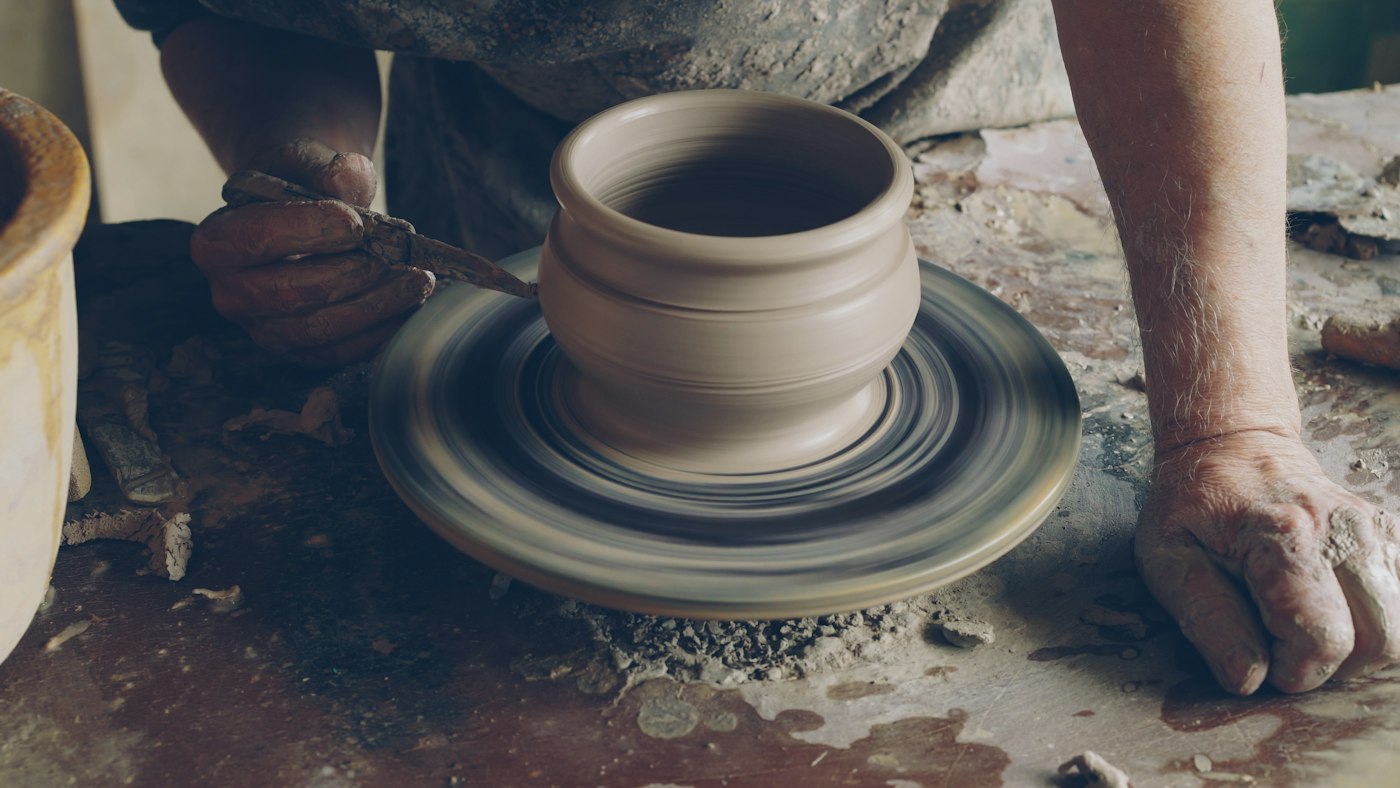
A mug handle is an awkward thing to lose off the edge of a poster.
Picture a pottery studio in Brownsburg preparing a November mug-making class. You love the illustration on your laptop. Then you squeeze it into a tall window notice and crop off the handle. I would decide on the finished shape before asking an image generator for artwork.
Canva launched Craft on October 22, 2026. In its announcement, Canva says you can generate images in more than 30 aspect ratios, or enter your own. An aspect ratio is the relationship between width and height. For a shop owner, the useful choice is often wide website banner versus tall printed poster.
What should you decide before opening Canva Craft?
Write down the two places you need the design. Ask whoever manages your website for the banner dimensions and how they crop it on phones. Ask your printer for the poster's finished size and file requirements.
You can sketch both rectangles on scrap paper. Mark the subject with a circle and the headline with a few lines. I like this part: you can move an entire pottery wheel with the tip of a pencil, before you spend time choosing the glaze color.
Before you generate artwork, decide where the customer will see it and how much room you need for the words.
Keep your approved colors and logo beside the sketch. If you use Canva's website import, check which brand files it collected before applying them to the new design.
How do you plan a banner and a poster?
Canva says Craft is available globally through Dream Lab. I would try it with an illustration for that hypothetical Brownsburg class, using separate instructions for each shape.
| Placement | Arrangement to try | Words to add yourself |
|---|---|---|
| Wide website banner | A plum-colored mug illustration on the right, with open cream space on the left. | A short class headline beside a booking button. |
| Tall window poster | The mug illustration in the lower half, with open space above it. | The class date and price, followed by the booking address. |
I have not tested these layouts in Craft. Use them as starting points: ask for the image without lettering, then add the final wording in the editor. You can correct a price without asking for another drawing.
Two generations may give you different mugs. Keep the versions together while you review them, and check whether the illustration style and colors belong to the same business. For an exact match, have a designer adapt one approved illustration to both layouts.
The same exercise suits a dog groomer in Noblesville promoting winter appointments. You might place a small paw illustration beside the website booking link, then enlarge it below the wording on a counter poster. Keep the actual grooming results in photographs of your work, with the customer's permission.
Can you edit the generated design afterward?
Canva describes Craft outputs as compatible with Magic Layers, which converts an image into elements you can move or edit. Canva lists Magic Layers as a premium tool that uses your plan's shared monthly AI allowance. Check your available allowance before making a stack of variations.
You can also build a layout with an image and ordinary text boxes. I would keep the business name and appointment details in text boxes I can select. On a website, ask your developer to use real page text for the headline and a working booking link.
For the pottery studio, show an actual class sample on the booking page. A customer should see the size of the mug they will make and the glazes you offer. My earlier piece on choosing a homepage photograph explains why the details of your own space deserve room on the site.
Give yourself one review round before ordering prints. Open the website on your phone and check the full mug handle, then tap the booking link. Print the poster at its finished size and read it from the customer's side of the counter. Ask the printer to check image quality before a larger order.
If the website needs a different layout to fit the artwork and booking details, include that in the brief. That is work you can discuss through Luminest's website services, with both sketches in hand.
Keep the scrap-paper rectangles beside your next draft. I would rather move the mug now than discover the missing handle on a box of fresh posters.
Sources
| # | Source | What it backed up |
|---|---|---|
| 1 | Canva Developers: Craft launch announcement | The October 22, 2026 launch date. |
| 2 | Canva: Introducing Canva Craft | More than 30 aspect ratios, custom ratios, Dream Lab availability, and compatibility with Magic Layers. |
| 3 | Canva: Magic Layers | Editing image elements and the shared monthly allowance for this premium tool. |