Journal · Brand
VistaPrint in Gemini: check your card at actual size
With VistaPrint's new Gemini connection, choose your card's finished size and paper before approving the design, then read a printed proof where customers will use it.
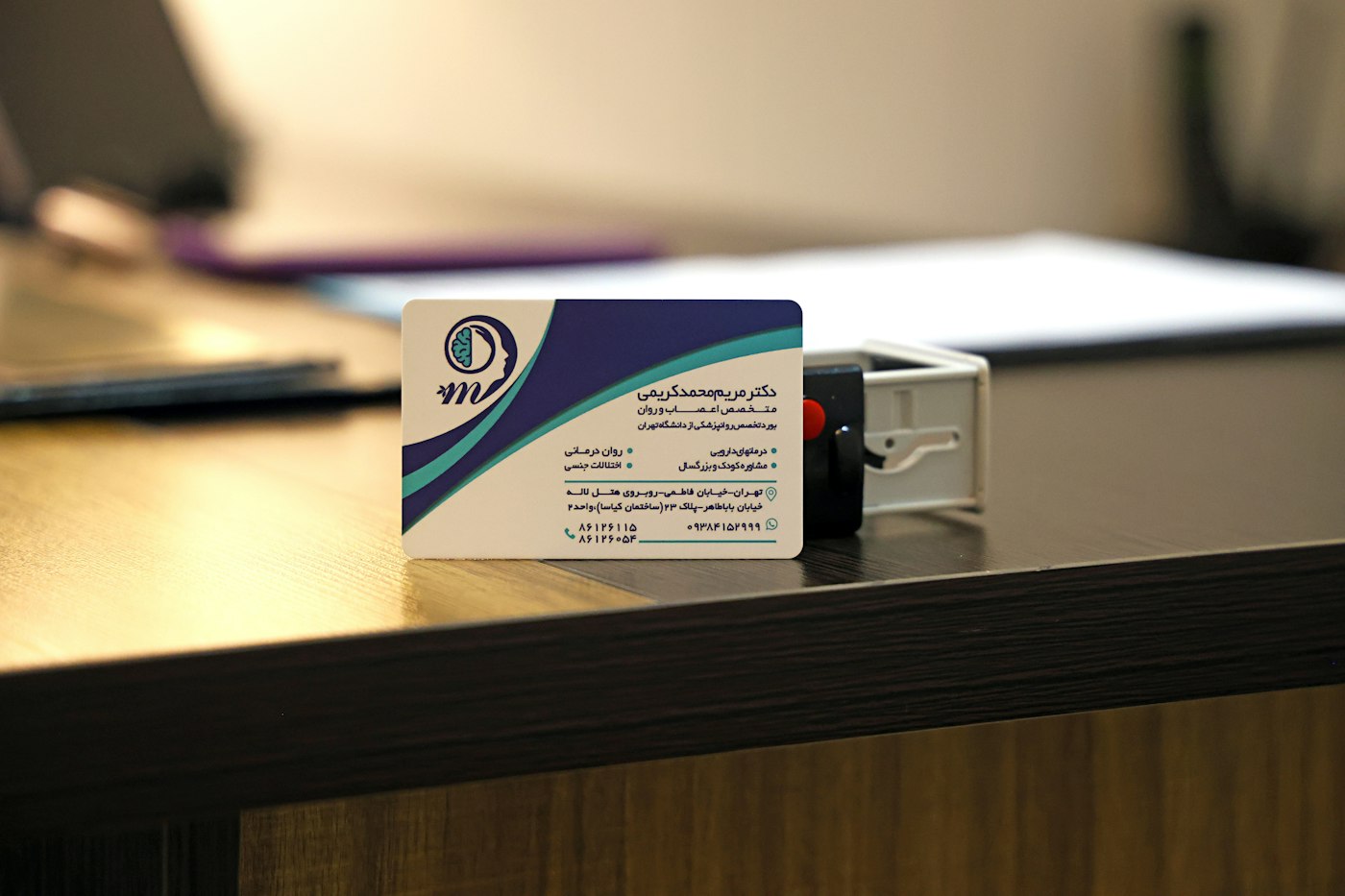
You pull a tailor's fitting card from your coat pocket and squint at the time. For an alterations shop in Irvington, I'd give that handwritten appointment line a generous patch of uncoated paper.
VistaPrint's new Gemini connection can help you prepare a card for print. My recommendation: choose the finished size and paper first, then check a copy at actual size before ordering. You can approve a beautiful preview and still end up handing customers something they struggle to use.
What can you do with VistaPrint in Gemini?
On October 20, 2026, VistaPrint announced its Gemini connected app for English-language users in the United States. You can search its products by size, material and finish, see live pricing, and prepare a design from a logo, image or PDF, or start with a template. You can also preview the product in chat and send it to a VistaPrint cart.
If you want to try it, VistaPrint says to enable its app under Connected Apps in Gemini's Personal Intelligence settings. I haven't tested the connector; these are the capabilities VistaPrint announced.
I like the chance to compare physical options while you're still making design decisions. For a fitting card, you can ask about a surface you can write on. For a card that sits in a display holder, you can start with the holder's measurements. You have useful decisions to make before anyone picks a font.
Which print details should you choose first?
Start with what the customer will do with the piece. A card they take home needs different treatment from a notice they read across a counter.
For that Irvington tailor, I'd make the appointment date the easiest thing to find. Keep the business name, then leave enough blank space for a staff member to write a time with the pen they use at the register. Test that pen on a sample of the proposed paper before ordering a stack.
A dog groomer in Avon might need a larger card beside the payment terminal: “Book your next groom before you leave.” Put the booking instruction near the top. A display holder can cover the bottom of the card, so measure how much of the design customers will see.
My starting brief would look like this:
| Decision | Fitting reminder | Counter booking card |
|---|---|---|
| Customer's next step | Keep the card and return at the written time. | Ask staff to book the next visit. |
| Size check | Fit the customer's wallet or pocket. | Match the existing holder. |
| Surface check | Test a pen on a paper sample. | Check reflections under the counter lights. |
| Largest useful detail | Appointment date and time. | The booking instruction. |
You can keep the warm cream and deep plum you love. Give the useful detail enough space to read. I wrote about how printed materials feel in a customer's hand; the finish deserves a decision of its own.
How do you check the design before ordering?
Use the template for the exact product and size you intend to buy. VistaPrint's template instructions point you to Specs & Templates on the product page, where you select the size before downloading. Those files include guides for the cut edge and the area where important details belong.
Keep the phone number and booking line inside the safety guide. Extend a colored background through the bleed area, the extra space beyond the finished edge. Follow that product's guides rather than borrowing margins from a different card.
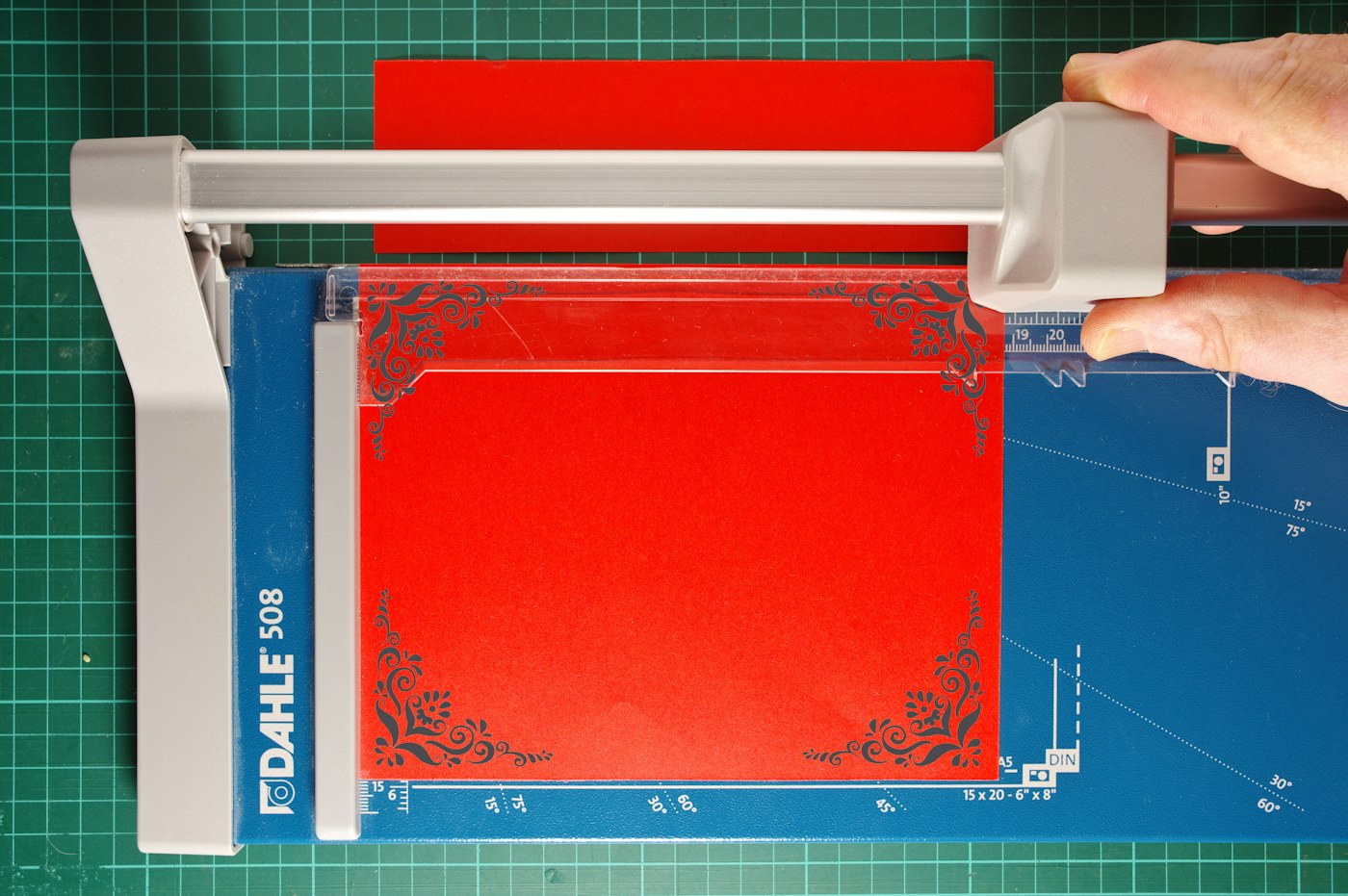
Then make a physical test. My check takes four passes:
- Print the proof at 100% scale, with “fit to page” off. Measure it with a ruler and cut it to the finished dimensions.
- Hold it where the customer will hold it. Try the fitting card in one hand; put the counter card inside its holder.
- Ask someone who hasn't seen the design to find the next step. Watch for squinting or turning the card over to hunt for it.
- Scan any QR code on the printed copy. Open the destination on your phone and check that you can complete the action the card promises.
A home print lets you check size and legibility. For an exact brand color or a particular finish, ask the printer about a production sample. VistaPrint's June 2026 print-preparation guide also recommends test copies or proofs and cautions that a proof may not match the final print.
Before you order a stack of cards, hold one at its finished size and read the line your customer needs most.
Keep your existing logo and type choices beside the proof. Our smallest brand kit gives you a place to record those decisions. If the card sends people to a booking page that looks like another business, compare both pieces together; we include that connection between print and web in our branding work.
Leave the cut-out proof beside the till for an afternoon. Read the lettering between customers and mark anything you struggle to find.
Sources
| # | Source | What it backed up |
|---|---|---|
| 1 | VistaPrint's Gemini announcement, October 20, 2026 | US English availability, product configuration, previews and transfer to a VistaPrint cart. |
| 2 | VistaPrint: downloadable product templates | Selecting a product size and using its bleed, trim and safety guides. |
| 3 | VistaPrint: prepress checklist, June 16, 2026 | Readability checks, paper choices and the limits of a test print or proof. |
| 4 | Luminest: the texture of your menu | Related discussion of physical print materials. |
| 5 | Luminest: the smallest brand kit | Recording visual decisions for consistent use. |