Journal · Engineering
Squaremates can change your prices. Review the list first.
Squaremates can now edit prices across your Square catalog. Request current and proposed prices, approve a small batch, then check the register and replace the affected shelf labels.

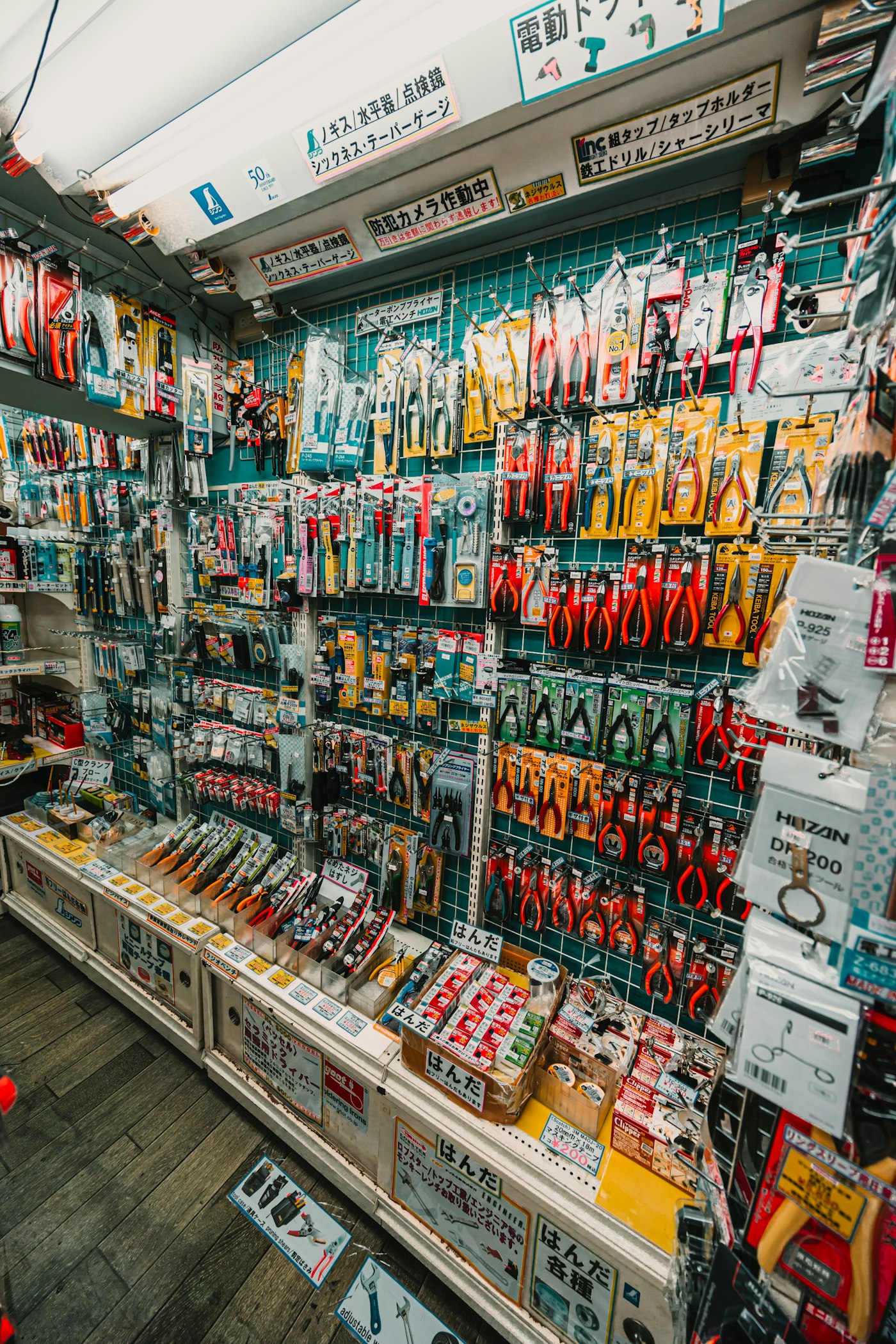
A $9.50 shelf label beside an $8.50 checkout price means somebody has to explain the missing dollar. Picture a hardware shop in Brownsburg with a fresh supplier invoice and a pegboard full of prices to update. I'd want a list I could check before changing anything at the register.
On November 12, 2026, Square announced Squaremates, an expansion of its Managerbot assistant. It can now make bulk catalog changes, including prices. My first request would be a preview showing the current and proposed price for five items, followed by a check at the counter after I approve them.
I haven't tested Squaremates in a live shop account. This is the trial I'd run using Square's published instructions.
What can Squaremates change in your shop?
You use Squaremates inside Square Dashboard. Square calls it an AI agent: software that can carry out tasks in your account after you give it instructions. For catalog work, Square lists changes to descriptions and prices, along with where items appear for sale.
Square announced availability for U.S. sellers at no additional cost, excluding Multi-Account Suite sellers. The company describes some other features as still in beta or coming later, so I wouldn't assume everything in the announcement is ready in your account.
Square's product page says the assistant asks for approval by default. You can let it handle simpler tasks on its own. I'd keep approval on for this price trial and check which staff members have access before asking anyone else to use it.
You can also review your team members' access in Dashboard permissions. Square says their existing roles and location permissions govern what they can see and do.
How do you review an AI price change?
Choose five items whose prices you have already decided. For that Brownsburg hardware shop, imagine changing a single roll of painter's tape from $8.50 to $9.50 while leaving the three-pack at $22. A request to “raise tape prices” leaves too much room for a mistake.
Try a request like this, replacing the example with your own item names:
“Show me the current price of the single roll of painter's tape and its three-pack at my Brownsburg location. Prepare a proposed change of the single roll to $9.50. Leave the three-pack unchanged. Show the item identifiers and old and new prices. Wait for my approval before making changes.”
Treat that wording as a request to test. Square's support guide says the assistant supports only certain actions and can make mistakes. If it can't give you an item-by-item preview, stop that task and use the regular item editor.
Before I approve a batch of price changes, I want to see the old and new price for each item.
Compare the preview with the products in your hand. Match the pack quantity and the item code or barcode. I covered a similar physical check in our Square barcode scanner walkthrough: the item you scan needs to match the one you intend to sell.
At a bicycle shop in Zionsville, I'd separate the price of an inner tube from the labor charge for fitting it. Suppose the owner wants the tube to rise from $9 to $10 and the fitting charge to stay at $15. The expected total becomes $25 before tax, up from $24. Those are example prices, but you can use the same arithmetic to check your own proposed change.

What should you check after approval?
Open each changed item at the register. Add it to a sale without completing a payment, check the price, then clear the test cart. Compare that result with the list you approved.
Replace the affected shelf labels before customers pick up those products. If you sell online, check the product page and cart too. A website on a separate system may need its own update; ask whoever maintains it how prices get there.
Our piece on moving a Shopify online cart to the counter uses the same habit: follow an item through the places where a customer sees it. For Squaremates, I would finish at the shelf, with the product and its new label together.
Keep the old-price list until you've checked the changes. Square says you can ask the assistant to reverse many actions, but you still need to check the result. Ask for the cost before accepting a suggested plan upgrade, too: the assistant is free, while some features it recommends can require another subscription tier.
If your website needs separate price updates, mention that when discussing website or software work with Luminest. We can look at that specific task before you commit to a larger rebuild.
Give yourself five items and a quiet half hour. Leave the rest of the pegboard alone until you've watched this small batch reach the register and the shelf.
Sources
| # | Source | What it backed up |
|---|---|---|
| 1 | Square's November 12, 2026 Squaremates announcement | U.S. availability, catalog price changes, no additional cost, and the Multi-Account Suite exclusion. |
| 2 | Squaremates product page and FAQs | Approval by default, optional autonomous tasks, and access governed by team permissions. |
| 3 | Use Squaremates to manage business tasks and insights | Supported-action limits, accuracy checks, reversing changes, and subscription upgrade recommendations. |