Journal · Engineering
Shopify POS can bring an online cart to your counter
Shopify POS lets authorized staff retrieve items from a known customer's unfinished online checkout, so you can confirm the items together before selling them in your store.

A reader remembers the blue cover, and you have three editions of the same novel. At a bookstore in Zionsville, you could spend several minutes hunting while the customer tries to find yesterday's browser tab.
Shopify included a useful shortcut in its Fall '26 Edition, announced on October 28, 2026. Authorized staff can retrieve a known customer's unfinished online cart in Shopify POS, the app they use to ring up sales in the shop.
If you already sell through Shopify online and at the counter, I would try this with your own email before the next busy Saturday. You can check whether staff can find the right edition without asking a customer to reconstruct their shopping trip.
Does every online cart show up at the register?
The customer must reach checkout and enter an email address. Shopify treats the checkout as abandoned after ten minutes without completion, according to its checkout documentation. A shopper who only looks at a product page hasn't done enough for this handoff.
On your phone, choose a product from your shop and enter your email at checkout. Leave without paying. Wait more than ten minutes before trying the register.
Use a product with a choice you could get wrong. For example, a $16 paperback and a $28 hardback might share a title. Those are sample prices, but the $12 difference is a good reason to check the format together. You want the customer to recognize the item before you ask for payment.
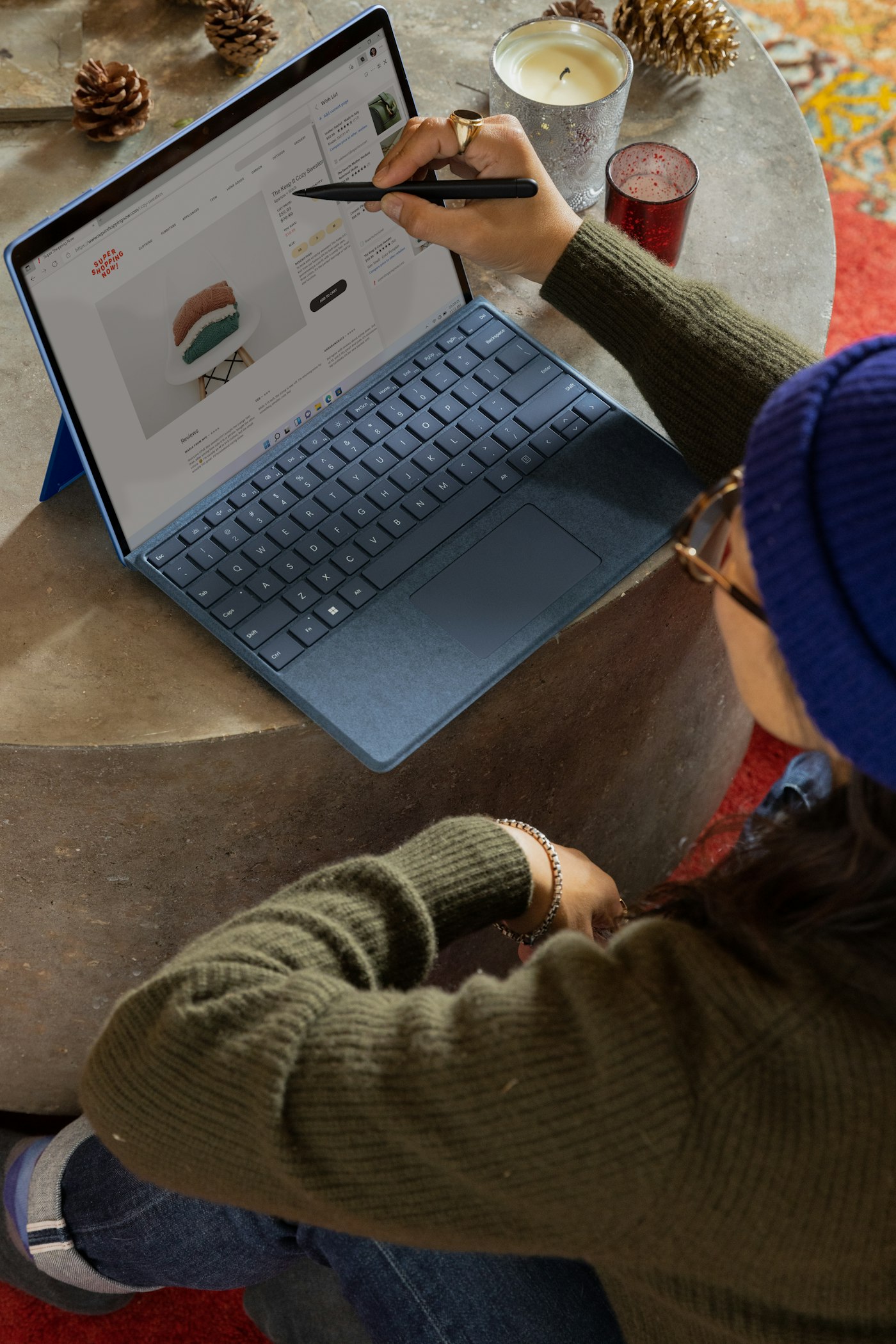
If the phone checkout is difficult to use, start there. Our phone website check covers the small-screen problems an owner can catch without a developer. A useful counter feature won't help someone who gives up before entering their details.
How do staff bring the items into Shopify POS?
Shopify's instructions for online carts in POS describe a short sequence:
- Add the customer's email to the POS cart.
- Tap the customer to see their online items. Use View all if needed.
- Add the items they want using the cart icon on iPad or the cart button on mobile.
Before the test, check staff access. Staff need the Create new customers and View customer details permissions. They also need View abandoned checkouts. Shopify's permissions guide says custom POS roles require a POS Pro location. Confirm access in your account before promising the feature to your Saturday staff.
I would have the person who usually runs the register do the test under their own login. Testing as the owner can hide a permission problem that the cashier will meet with a queue waiting.
Then practice the question: "Would you like me to pull up the items you were looking at online?" Keep the screen facing you until you've confirmed whose account you have.
Ask whether the customer wants help with those items before you turn their unfinished checkout into a sales conversation.
Consider an outdoor shop in Brownsburg. A customer started checkout with a $90 rain jacket and $18 socks, then came in to try the jacket. Staff can use that list to ask about the jacket size. Let the customer drop the socks if they want. I'd call that a useful test even if the final sale is smaller than the online cart.

Does the in-store purchase close the online checkout?
After an in-store sale, Shopify keeps the original abandoned checkout open until it expires. Staff can still see the online-cart note.
If you review unfinished checkouts at the end of the week, check for a matching store receipt before counting one as a lost sale. For the jacket example, the customer may have paid you $90 and left satisfied. You would waste time diagnosing a failed purchase that never failed.
I would also inspect the follow-up messages your store sends after the test. Check your own inbox and your automation settings; don't assume that an open checkout proves a reminder went out. Different stores use different email setups.
We covered another reporting problem in our piece on Shopify checkout tracking. For either issue, compare what the software reports with a completed order before changing your marketing budget.
If you're planning a website rebuild, bring this exact shopping sequence to the person quoting it. We discuss those connections as part of our website and software work, because an owner needs to know what staff will do after a visitor walks through the door.
Leave yourself a blue-cover book in checkout tonight. Tomorrow, hand the register to the person who will use it on Saturday and see how far they get without your help.
Sources
| # | Source | What it backed up |
|---|---|---|
| 1 | Shopify: Fall '26 announcement | Shopify announced the edition on October 28, 2026. |
| 2 | Shopify: Fall '26 Edition | The release includes retrieving a known customer's abandoned online cart in POS. |
| 3 | Shopify: Adding online cart items to POS | The retrieval steps, required access, and the checkout remaining open after an in-store purchase. |
| 4 | Shopify: Recovering abandoned checkouts | The email-address requirement and ten-minute abandonment threshold. |
| 5 | Shopify: Point of Sale permissions | Staff access controls and the POS Pro requirement for custom POS roles. |