Journal · Engineering
Square's October barcode update: test one shelf first
Square supports iPhone and iPad camera barcode scanning, so test ten products for the right size and price before buying hardware or changing your checkout routine.

A customer asks for a 700c bike tube, and you tap the 26-inch version in Square. At a busy bicycle counter in Speedway, those two boxes could sit inches apart. You charge for one product while handing over another.
I'd try scanning the box before buying more checkout hardware. Square highlighted iPhone and iPad camera barcode scanning in its October 8, 2026 release notes, then listed it in the October 20 feature log. You can use the camera to find an item for a sale or help create and edit items.
My recommendation: test 10 products from one shelf, including similar sizes. Check what you ring up before you trust the shortcut with a customer waiting.
How do you scan barcodes with an iPhone in Square?
In Square Point of Sale, open More > Settings > Hardware, turn on Camera Barcode Scanner, and allow camera access. On a supported screen, tap Tap to Scan, then point the camera at the barcode. Square's setup instructions cover checkout and item screens.
You need permission to change hardware settings. Square lists the feature under Square Free, so you can check your existing setup before considering a plan upgrade or a separate scanner.
Square Retail users may recognize camera scanning from their existing workflow. These instructions cover the current Point of Sale setup. Android users have a camera option too, with a different activation method in the same support guide.
Use the phone where you would work. If you have to twist a box beneath the counter to get the camera to see it, include that movement in your test.
Will the barcode choose the right size?
You still need to connect the product code to the right item in your catalog. Square calls the manufacturer's product identifier a GTIN, short for Global Trade Item Number. You'll usually find its digits printed beneath the barcode.
Square's GTIN guidance says each item variation should have its own identifier. For the Speedway bike shop, check the tube's wheel size and valve type against the item on the screen. Don't copy one box's code across several tube sizes to finish the catalog faster.

Take a pet-supply shop in Franklin as a second example. A four-foot leash and a six-foot leash can share a brand and color. Scan both packages. Confirm that Square selects the matching length and your shop's price for each one. Repeat the check for any multipacks you sell.
Before you trust camera scanning at the counter, check that each barcode selects the product you're holding.
If Square offers to create an unfamiliar item, review the suggested details before saving it. In retail mode, you can use Auto create to look up a product by its barcode. Square also warns you if that identifier already exists, which can help you avoid a second record for the same product.
Is it worth replacing a separate scanner?
I would leave a working counter scanner in place until the camera proves easier for your staff. Carrying a phone to a shelf may suit occasional catalog work. Holding products in front of a mounted iPad may feel awkward during checkout.
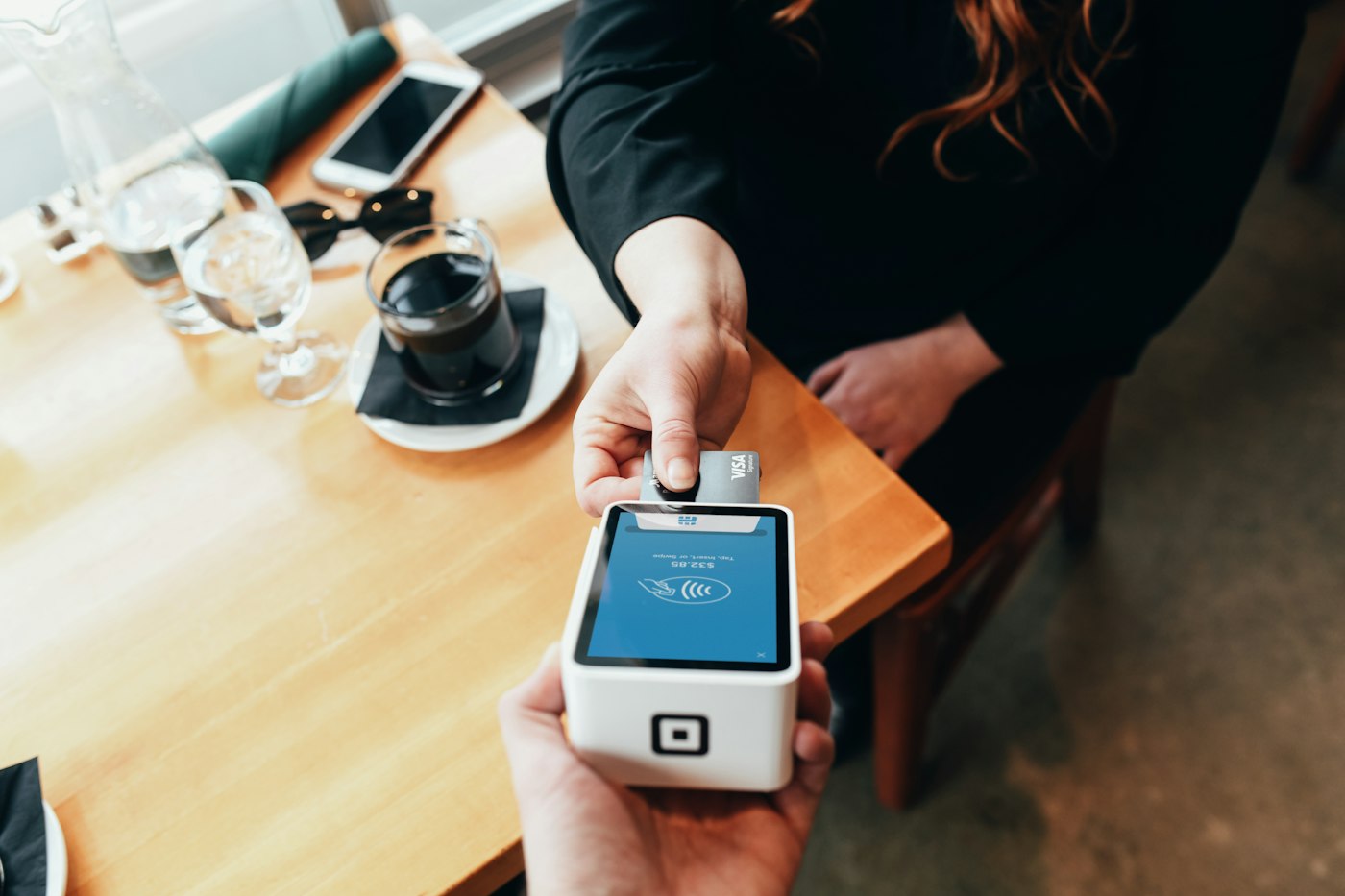
A Square payment terminal in use. The camera-scanning instructions above apply to an iPhone or iPad.
Give one employee the same 10 products twice: once using your usual search or scanner, once using the camera. Start with an empty cart each time, record the elapsed time, and check the contents before clearing the test cart. Don't take a payment for this exercise.
Note any missed scans or wrong variations. A faster run with the wrong leash length gives you a catalog problem to fix. A correct run that takes longer gives you a reason to keep your current checkout routine.
You can take the same approach to other tools you already pay for. Destiny's piece on finding customer records in your Square account is another place to start looking.
For shops selling online too, compare one tested item's price and availability with the customer-facing page. Our fifteen-minute website check follows the same habit: do the task a customer would do and inspect the result. If your website and counter still disagree, tell us which systems you use so we can help you trace the mismatch.
Pick the shelf where staff hesitate over similar boxes. I'd spend the first 15 minutes there.
Sources
| # | Source | What it backed up |
|---|---|---|
| 1 | Square: October 8, 2026 release notes | Square's October announcement of iPhone and iPad camera barcode scanning in Point of Sale. |
| 2 | Square feature log | The October 20, 2026 listing and inclusion under Square Free. |
| 3 | Square: Connect a barcode scanner | Hardware permissions, camera setup, and the different iOS and Android scanning controls. |
| 4 | Square: Use GTINs | Product identifiers, catalog matching, and separate identifiers for item variations. |
| 5 | Square: Create items by scanning barcodes | Auto create in retail mode and the warning for an identifier already in the catalog. |