Journal · Brand
Adobe's new toolkit: turn one finished job into a portfolio card
A small-business portfolio card should show a finished job and explain your work; Adobe's new toolkit offers a starting point for organizing those examples on your website.
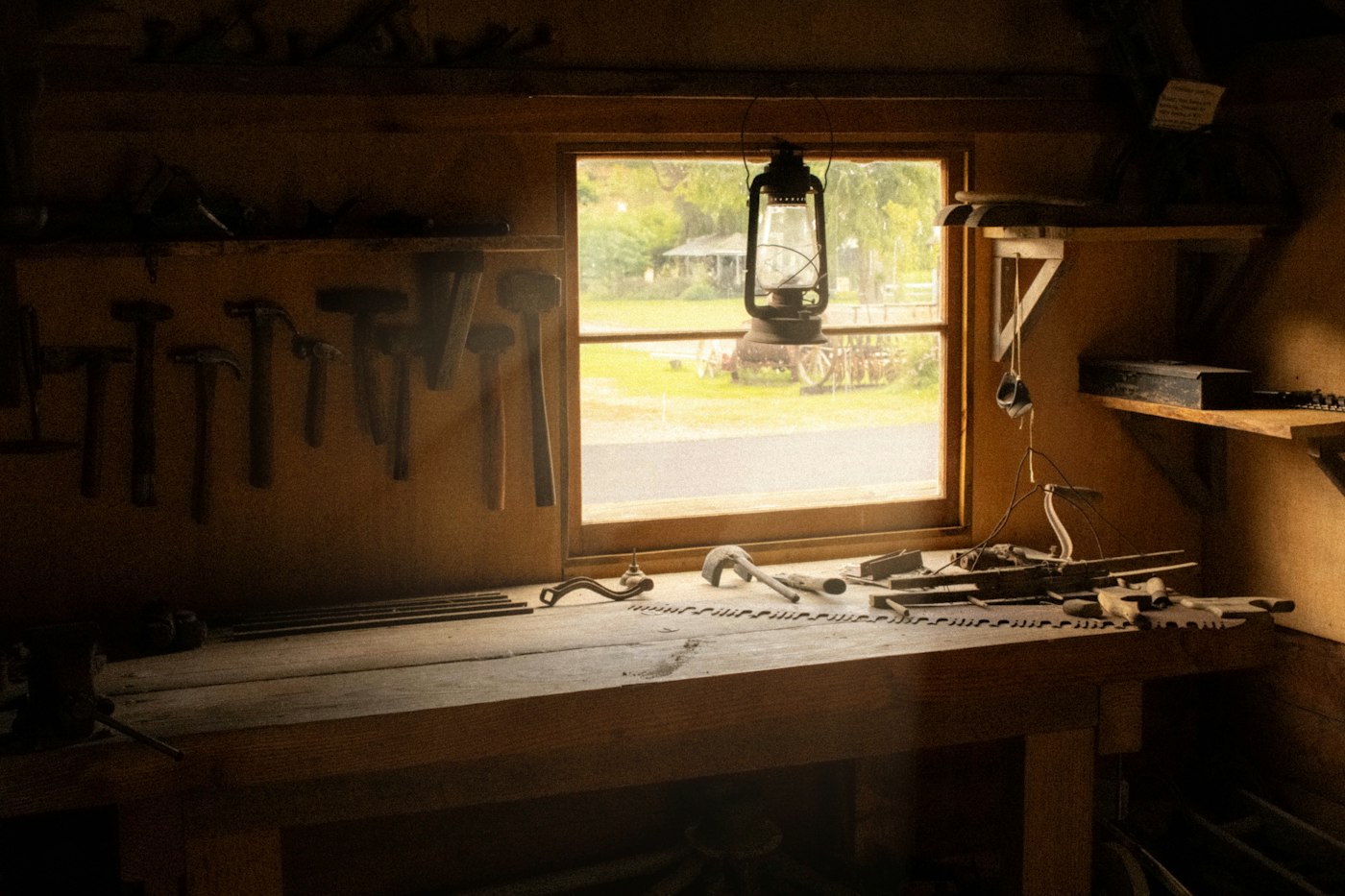
A neat seam is easy to miss in a photo of an entire room. For an upholsterer in Avon, I'd show the whole chair, then add a close-up of the piping around the cushion. A customer considering repairs to their grandmother's armchair needs both views.
On November 10, 2026, Adobe introduced Open for Business: Marketing Edition, a toolkit with workflows and templates for small businesses. One chapter covers turning completed work into case studies and a portfolio.
Start with one finished job and a small portfolio card: a photo with a short explanation of what you did. You can put it on your website, then keep the layout for the next job. Use the design tool you already have.
What belongs in a small-business portfolio?
Choose a job you would like to do again. If you want more armchair repairs, start with an armchair. A gallery full of commercial booth seating could leave a homeowner unsure whether you take smaller jobs.
For a hypothetical upholstery project, the heading might read: “New upholstery for a family armchair in Avon.” Beneath it, explain that the customer wanted to keep the wooden frame, and that you replaced the cushion filling and fitted a new fabric cover. Include those details only if you did that work.
I like this kind of description because I can picture the job. “Beautiful results for another happy customer” leaves me guessing about the service I could book.
Take a full view before the chair leaves, with its legs and arms inside the frame. Add a detail photograph where someone can inspect the stitching. My guide to photographing your shop with a phone covers finding window light and clearing the background before you shoot.
If the customer chose a fabric for a particular reason, include that reason in the caption. A close view of the weave helps a reader understand the choice. Ask before showing a customer's home or naming them, and leave private paperwork outside the frame.

Illustrative stock photo: fabric samples and sketches, not a Luminest client project.
How should you lay out the card?
Give the finished work most of the space. Place a short heading below the photograph, followed by the description in plain type. Leave a little breathing room around the words; an upholstery pattern behind the text makes the details harder to read.
Start with one heading size and one body size. Use your existing brand color for a small label or border. My smallest brand kit gives you a way to record those choices so the next card looks like it belongs to the same business.
For a hypothetical cabinetmaker in Brownsburg, I'd start with a full view of an installed kitchen, then show the pull-out shelf the customer requested. Put “Cabinet design and installation” beside the images. Specify any work that another contractor handled, such as the countertop installation.
On a phone, let readers scroll from the full view to the detail. Two tiny photographs squeezed beside each other can hide the shelf runners you wanted someone to notice. Open the draft at its normal viewing size and check whether you can see the feature without zooming.
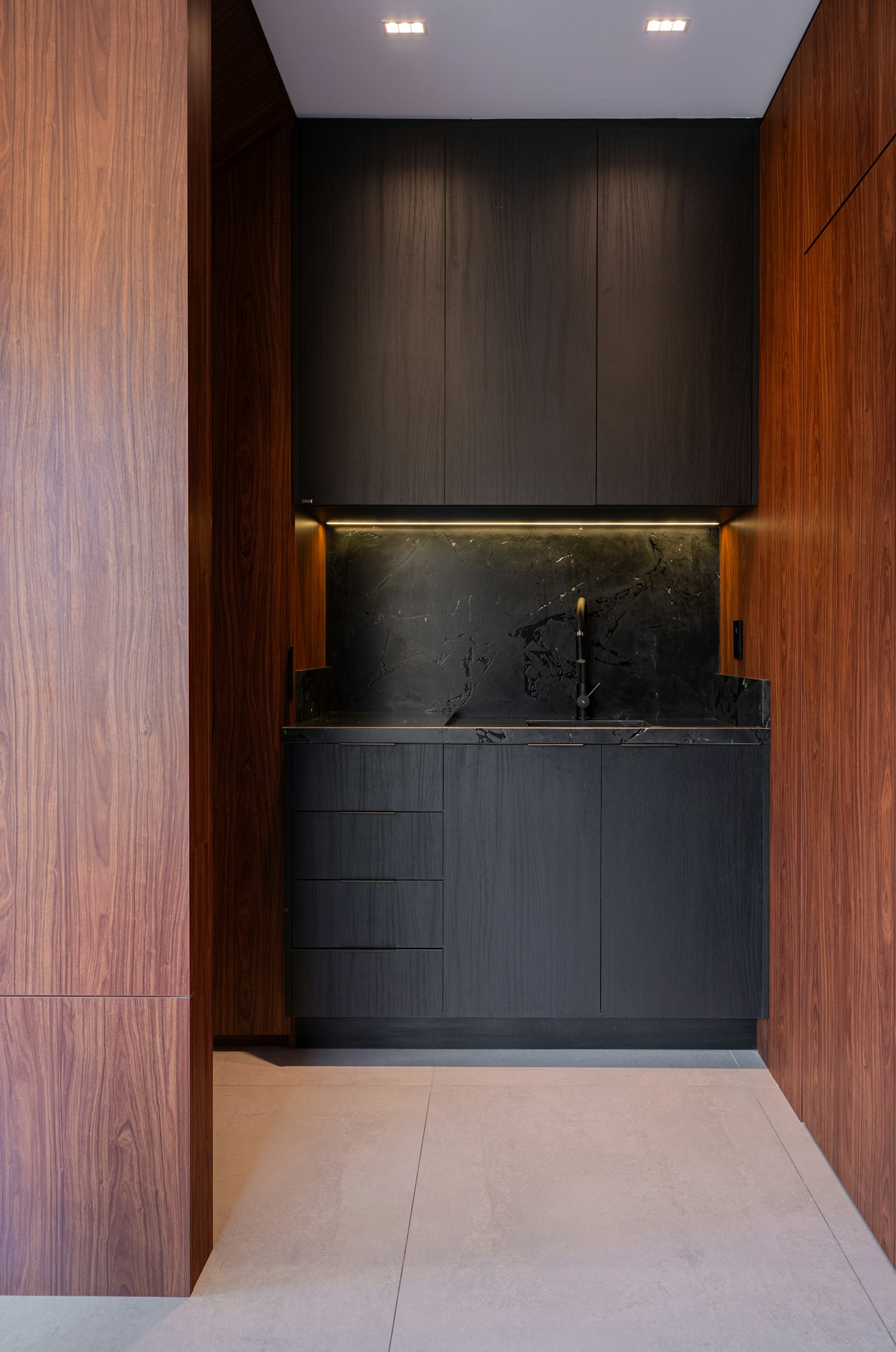
Illustrative stock photo: a kitchen interior, not the hypothetical Brownsburg project.
Does a case study need a sales number?
You can describe a useful result without inventing a percentage. The upholsterer retained a family chair's frame. The cabinetmaker added the shelf the customer wanted. Those are concrete outcomes, provided your job notes and photographs support them.
Tell the next customer what you changed and show the part of the work they would want to inspect.
If you include a customer quote, use their words and get their permission. Keep a completion date with the project so a reader can tell how recent it is. A delivery time from one job also needs context; avoid presenting it as the turnaround for every future order.
Put the card where someone can find it while considering your services. You can browse Luminest's showcase to see the websites and software we build. For your own site, write the project description as page text beside the photographs, so visitors can read it without opening an image.
Keep an editable copy of the card with the original photos. Before your next finished piece leaves the workshop, give yourself five minutes to photograph the detail you spent the longest getting right.
Sources
| # | Source | What it backed up |
|---|---|---|
| 1 | Adobe: Open for Business: Marketing Edition is here | The November 10, 2026 toolkit announcement and its chapter on case studies and portfolios. |
| 2 | Luminest: How to photograph your shop without a photographer | Practical guidance on window light and uncluttered backgrounds for phone photographs. |
| 3 | Luminest: The smallest brand kit a shop can get away with | Keeping consistent color and type choices across a business's materials. |