Journal · Playbook
Klaviyo Location Hub: invite the customers who can get there
Klaviyo's Location Hub lets you link nearby subscribers to a store event; start with one invitation, then compare attendance and sales with the cost of hosting.
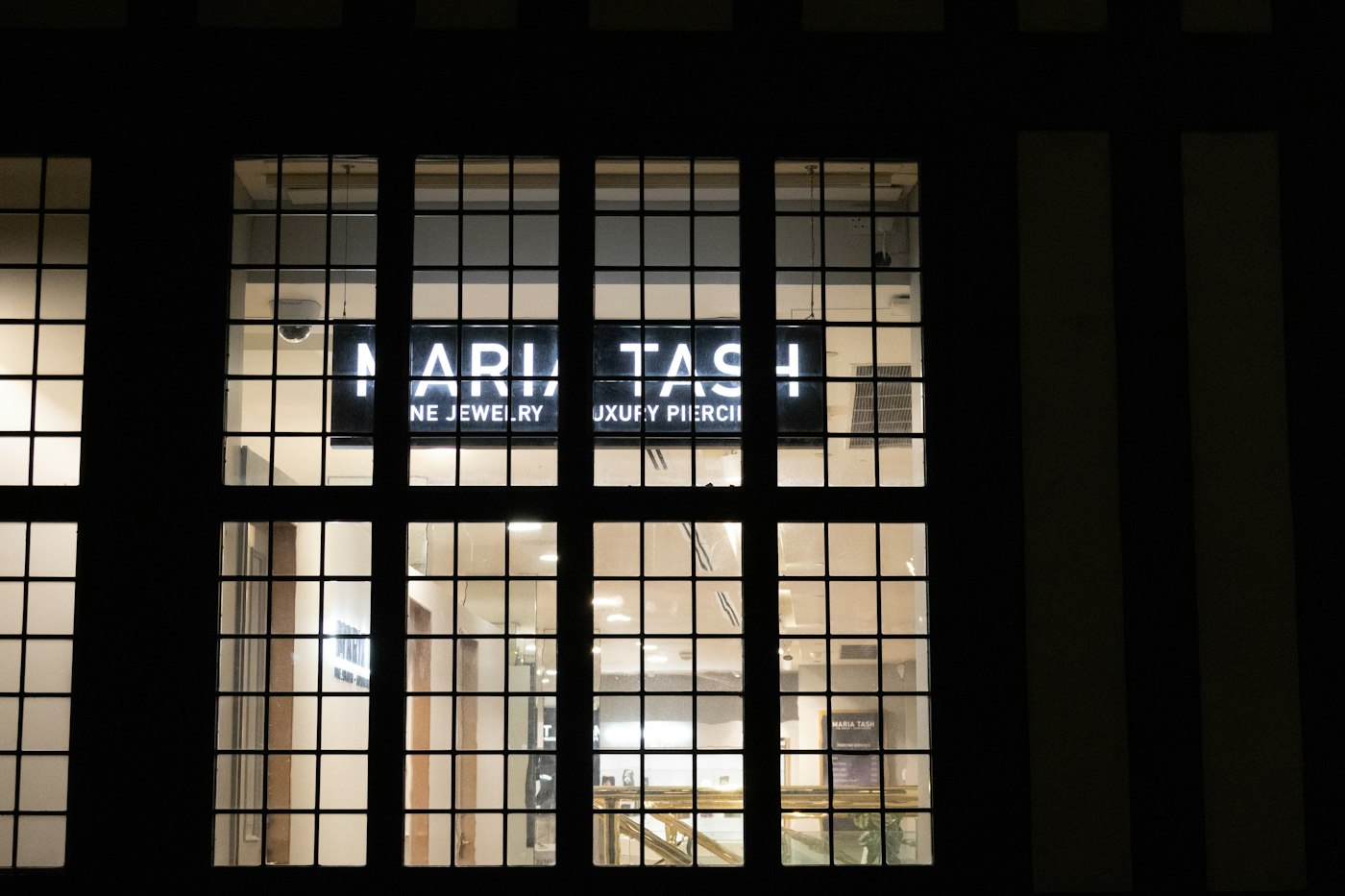
A customer in Denver can love your jewelry and still be a poor choice for a Thursday-night invitation to Brownsburg. Before you email 2,000 people about staying open until 8 p.m., check how many could make the trip.
On October 28, 2026, Klaviyo added Location Hub to its product release log, bringing stores and live events together with nearby audience groups and Shopify POS reporting. If you already use Klaviyo, I would start with one event and a small local invitation list.
The examples below are hypothetical. Use your own customer counts and costs before deciding to stay open late.
Who should get your event invitation?
A segment is a group of contacts who meet conditions you choose. For this job, choose people near the shop who subscribe to your email marketing. An email address on a receipt alone doesn't establish that subscription.
Klaviyo's location setup guide, checked October 31, 2026, starts proximity segments at 30 miles. You can change that distance and the subscribed channel. Open Audience > Locations to add your shop, then complete the segment and profile-property steps.
For a Brownsburg jeweler hosting a two-hour preview, I would test an 8-mile audience first. I picked that distance for this example. Inspect a sample of the contacts before sending; you still need to judge whether someone would drive across town after work.
Give that customer a reason to come: meet the person making the earrings or try on pieces before the holiday rush. Choose the invitation around what you can deliver that evening.
A butcher in Greenwood could use a different invitation: collect a reserved holiday order between 5 and 7 p.m. Start with the subscribed local customers who placed those orders. Don't invite the whole neighborhood to collect something they haven't bought.
If you need to find the customer records first, our guide to contacts in your checkout system gives you a starting point. Check their marketing subscription status before importing them into an invitation audience.
How do you set up one event?
Klaviyo's Live Events guide, updated October 21, 2026, gives you a short setup:
- Open Audience > Live Events > Create an event. Enter its name and type.
- Set the start and end times, then check the address. You can use your store or an outside venue.
- Link the audience segments before sending. Klaviyo uses those links to connect campaigns with the event.
- Add a registration URL if people need to book. Open it on your phone and complete the steps yourself.
Keep one action in the invitation. For the jeweler, that could be reserving a 15-minute fitting. For the butcher, it could be confirming a collection time. Put the full street address beside the date so customers don't have to hunt through an old receipt.
The Notify audience button opens Composer with the event information. You need Composer credits to send that prompt, so check your account before relying on it for a last-minute invitation. Review the resulting copy and audience before approving a send.
If editing an old email design slows you down, our guide to editable Klaviyo templates covers that separate task. A short invitation can use the template you already have.
How many purchases would cover the evening?
Suppose the jeweler budgets $120 for extra staffing and refreshments. After product costs and transaction fees, the owner keeps an average of $15 per purchase toward that expense.
| Planning number | Calculation | Result |
|---|---|---|
| Purchases needed to cover the extra expense | $120 / $15 | 8 purchases |
| Contribution from 6 purchases | 6 x $15, less $120 | $30 short |
| Contribution from 12 purchases | 12 x $15, less $120 | $60 left |
Those figures exclude normal overhead and any extra software or promotion costs. Include your own time if hosting means giving up paid work elsewhere. You also need to consider whether customers moved purchases from Saturday to Thursday.

Before you pay someone to stay late, decide how many purchases would cover the cost of opening for those extra hours.
Klaviyo's location reporting guide says event revenue requires Shopify POS and a linked location. You view it on that location's Performance tab. Klaviyo counts qualifying in-store purchases during the event's exact hours, using orders it can match to customer profiles. Anonymous purchases can be missing.
Keep a headcount and compare the report with your register receipts. A purchase during the event doesn't prove the invitation caused it. Record whether customers mention the email, and compare the evening with a similar trading period before committing to a monthly event.
If the reservation form needs work, our website and custom software services cover that connection. Decide who will receive the requests and confirm places before adding another tool.
Pick one November evening. Write down the number of purchases you need beside the staff schedule, while you can still change the plan.
Sources
| # | Source | What it backed up |
|---|---|---|
| 1 | Klaviyo product updates | October 28, 2026 Location Hub release entry. |
| 2 | Klaviyo: Getting started with Locations | Location setup, the default 30-mile radius, and subscribed-channel conditions. |
| 3 | Klaviyo: Getting started with Live Events | Event details, linked segments, registration links, and Composer credit requirement. |
| 4 | Klaviyo: Understanding location reporting | Shopify POS requirements, profile matching, and revenue counted during event hours. |