Journal · Playbook
Google's one-tap ads: test the page before spending more
Before spending more on Google's one-tap image ads, test the advertised offer on your phone and compare ad spending with completed orders or qualified booking requests.

$180 for six paid orders means you spent $30 to get each order. Keep spending at $180 and double the clicks with the same six orders, and you still paid $30 apiece. I would keep that number beside the next ad report you open.
On September 24, 2026, Google announced one-tap website visits from image ads on YouTube Shorts and Gmail in Demand Gen campaigns. For Shorts, Google specifies a full-bleed 9:16 image: a tall picture that fills the ad area.
I would test the page customers reach before increasing spending. You can remove a tap from an ad and still lose a customer at the checkout.
Picture an independent bookstore in Zionsville advertising a $28 signed paperback. A customer taps the cover photo, reaches the shop's homepage, and has to search for the book again. Send that person to the book's own page, with the pickup option beside the price. This is an example, not a reported result from a client.
Does this change apply to your Google ads?
Check the campaign type in your account or ask whoever runs it. Demand Gen is Google's campaign type for visual ads across services including YouTube and Gmail. A text ad that appears after someone searches for a bookstore uses a different campaign type.
If you already run Demand Gen image ads, review the image format and destination with your ad manager. For the Shorts format in this announcement, supply the 9:16 image and inspect the preview. Keep the offer readable on a phone.
If you don't run Demand Gen, you can use the page check below on your existing ads. I wouldn't open another campaign to try a shorter click path. You need an offer you can fulfill and enough margin to pay for acquiring the customer.
What should the landing page show?
The landing page is the page someone reaches after tapping your ad. Start with the same product or service you advertised. A customer who taps a specific offer shouldn't have to find it again through your navigation menu.
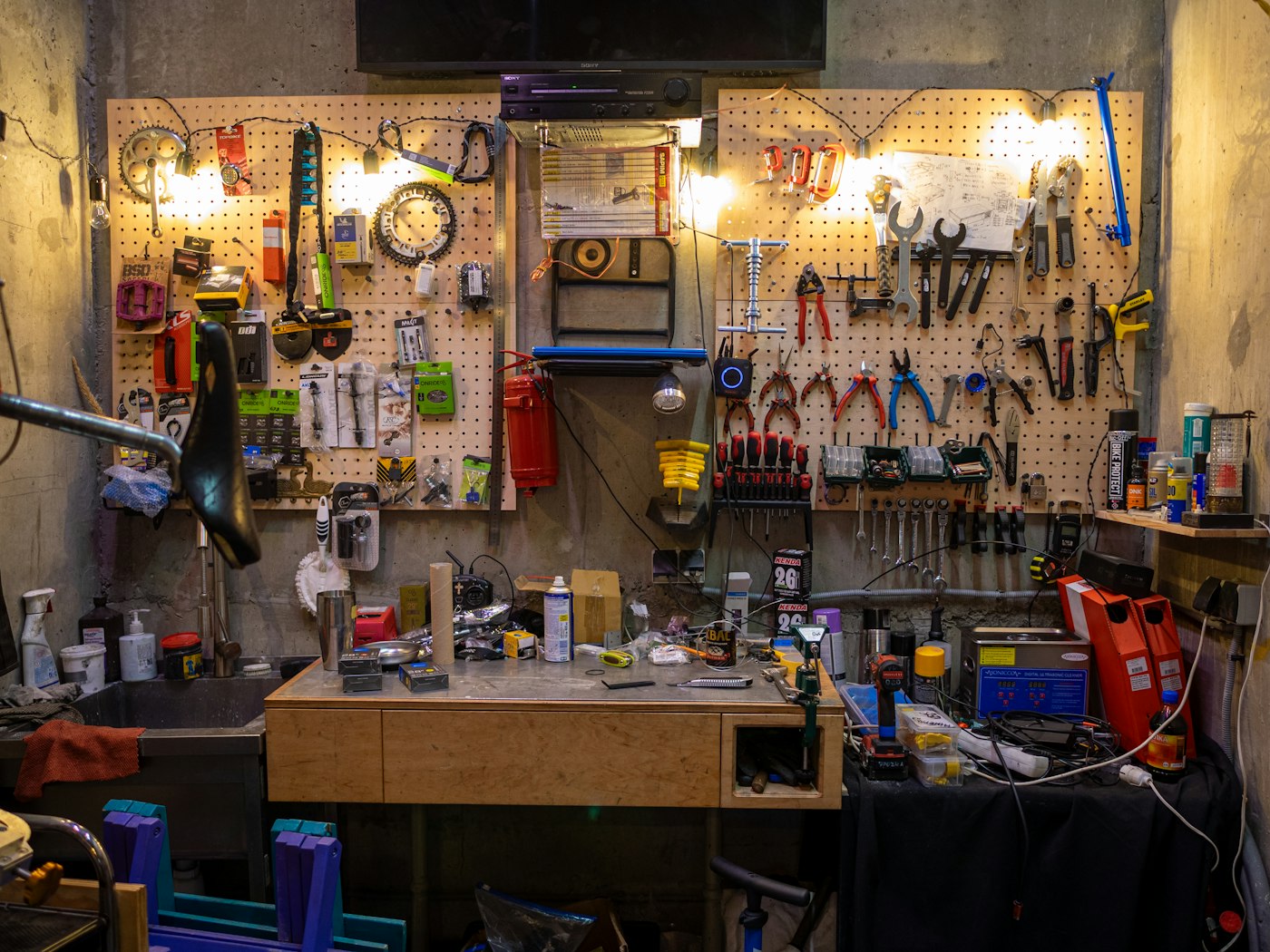
Consider a bicycle repair shop in Brownsburg advertising a $75 fall tune-up. The destination should name the included work, state whether parts cost extra, and let the rider request a slot. Sending them to a gallery of new bicycles adds a search they didn't ask to do.
Open that destination on your own phone. Submit a request using test details, then check the shop's inbox or booking system. Confirm that the staff member who handles bookings can find it. Our contact-form check covers that handoff in more detail.
For the bookstore example, check the $28 book's stock status and pickup instructions. A buyer should know which location has their copy and when they can collect it before they pay. Complete the checkout test using your payment provider's test method, or place an order you can cancel through your normal process.
We described a similar move toward a specific offer in our LeCeylan reservation piece. For your own page, start by writing down the exact thing the customer expected when they tapped.
Which number should you check after the change?
Use the same reporting period and the same definition of a sale or qualified request. In its documentation, checked October 1, 2026, Google says it can count an ad click even when someone cannot access the website. A click total alone won't confirm that your checkout works.
Use this illustrative calculation, with the same $180 spend in both periods:
| Measure | First period | Second period |
|---|---|---|
| Ad spend | $180 | $180 |
| Ad clicks | 120 | 240 |
| Completed orders attributed to those ads | 6 | 6 |
| Cost per completed order | $30 | $30 |
You paid $1.50 per click in the first period and $0.75 in the second. You still spent $30 per order. Check how much you retain after the product and other variable costs before you decide that $30 is affordable.

For a repair shop, track which requests turn into paid work. Six requests with no available appointment times won't cover the ad bill. Keep your booking records beside the platform report, and allow for the time customers take to book before judging a change.
Before you increase an ad budget, place one test order on your phone and check that your staff can find it.
If you find a broken checkout or a form nobody receives, write down the failed step. You can hand that note to your current developer, or ask us to look at it. A specific repair is easier to scope than a request to improve conversions.
Do the phone check before opening Ads Manager tomorrow. Keep a note of the first place you hesitate.
Sources
| # | Source | What it backed up |
|---|---|---|
| 1 | Google's September 2026 Demand Gen announcement | The September 24 one-tap update and the Shorts image requirement. |
| 2 | Google: About Demand Gen campaigns | The campaign type and the services where advertisers can run it. |
| 3 | Google: Demand Gen asset reporting | Google can record a click even if the visitor cannot reach the website. |
| 4 | Luminest: Your contact form is a black hole | The related guide to checking whether a shop receives form submissions. |
| 5 | Luminest: The LeCeylan reservation change | The related example of matching a page to a specific booking opportunity. |