Journal · Engineering
Google stopped taking your password on July 15
On July 15, 2026, Google Ads began requiring a passkey for sensitive actions like adding users or changing billing. Setting one up takes about ten minutes on your phone.
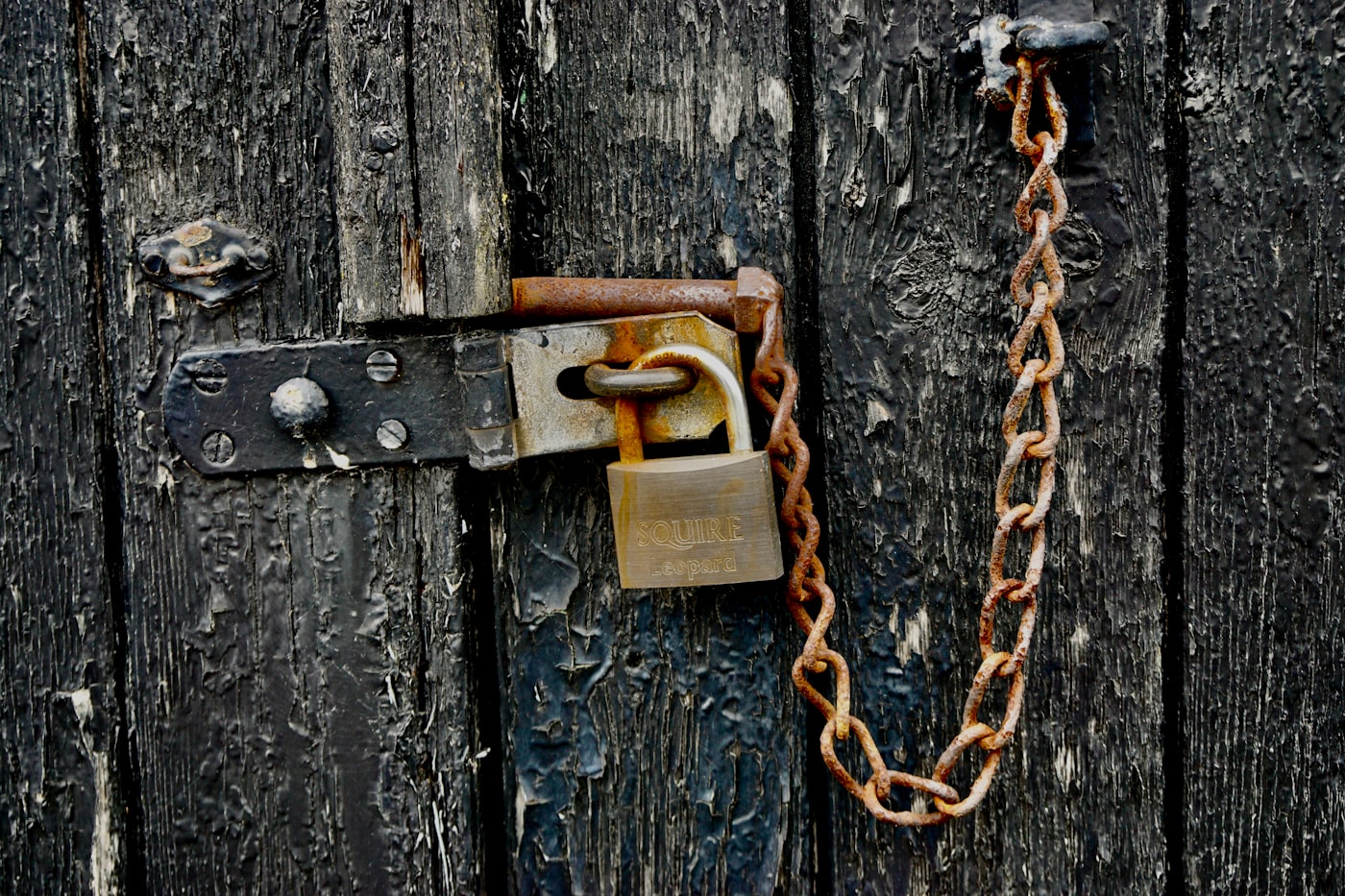
The owner of a print shop on Mass Ave showed me where he hides the spare key to the back door. It is taped under the register. Two part-timers know about it, the guy who does the floors knows, and the tenant before him probably knows too.
Your Google password works about the same way.
On July 15, 2026, Google stopped accepting it for the parts of your ad account that can actually hurt you. Adding a user, changing billing, linking another account: those now want a passkey, which is a credential that lives on your phone or laptop and cannot be typed or handed to anyone. Google puts it plainly in its own help doc: if a passkey isn't created, you won't be able to complete sensitive actions in the Google Ads account.
I set mine up a couple of weeks ago in the time it took a pour-over to finish. It is the rare platform change that costs you ten minutes once and then stops asking.
What is a passkey, actually?
A password is a secret you know and retype into a box. That is what makes it stealable. Any convincing-looking box will do, and the fake ones have gotten very good.
A passkey is a secret your device keeps and never gives out. When Google asks who you are, your phone first checks that the site really is Google, then signs a one-time answer using a key that never leaves the hardware. You approve it with your face or the PIN you use to open your phone.
A password is a copy of your key. A passkey is a lock that only opens for the phone in your pocket.
The practical difference is that there is nothing for a fake login page to collect. The phishing email still lands in your inbox. It just comes up empty when you click it.
Why is Google pushing this now?
The FBI's Internet Crime Complaint Center published its 2025 annual report in April 2026. Reported losses across all internet crime hit $20.9 billion, up 26 percent from $16.6 billion the year before.
The phishing line is the one to look at. Complaint volume barely moved, 191,561 in 2025 against 193,407 in 2024. Reported losses went from $70 million to $215.8 million. Same number of attacks, three times the money, which tells you the attacks got better aimed.
Account takeover got its own line in that report for the first time: 4,700 complaints, $359.7 million gone.
A Google Ads account is a stored credit card with a spending dial on it. Whoever gets in can turn the dial up and point it at their own site, and the first sign for most owners is the charge.
Three things that will bite a one-person shop
Set it up before you need it. Google's doc says new passkeys take about one to two days to pair with Ads, and that a new passkey may be subject to a seven-day security delay before it can complete certain sensitive actions. The Thursday your bookkeeper needs access is a bad day to start.
You need a second admin. In May 2026, Google began routing user access-level changes to a second administrator for approval. On July 14, advertisers found the same workflow attached to removing a user: write a justification, wait for a second admin, and the request expires in 20 days if nobody acts on it. Neither workflow has a documented fallback for accounts with one administrator. Google has not published documentation for the feature at all, and what we know came from advertisers posting screenshots. So add a second admin this week. Your business partner, or whoever does your books. Someone who answers email.
One passkey is not enough. Put one on your phone and a second one on the laptop at the shop. If your only passkey rides in a phone that ends up face down in a parking lot in Speedway, you get to argue with account recovery while your campaigns keep running.
Do you need this if you never run ads?
Yes, and I want to be honest about the scope first. The hard requirement that landed July 15 is narrow. It applies to sensitive actions inside Google Ads. If you have never opened Google Ads, nothing broke for you last Wednesday.
But your Business Profile, your Gmail, your Search Console, and your YouTube channel all sit behind one Google login. That single account owns how your shop appears in the place most of your customers still start. Right now the lock on it is a string of characters you probably reused somewhere else, plus a code texted to a phone number that can be ported away from you.
Ten minutes, once, closes most of that off. I have watched owners spend three weeks getting a hijacked profile back. The math is not close.
The ten-minute version
- Open your Google Account, go to Security, then Passkeys and security keys, and choose Create a passkey. Your phone asks for your face or your PIN. That is the entire setup.
- Do it again on a second device. A laptop counts. So does a hardware key if you already own one.
- If you run ads: in Google Ads, open Admin, then Access and security. There is a Passkey status column showing who on your team has one and who does not.
- On that same screen, confirm a second person has admin access. If nobody does, fix it today.
- Save your backup codes somewhere you would actually look for them in a bad week.
Google supports passkeys on Windows 10, macOS Ventura, ChromeOS 109, Android 9, and iOS 16 or later. If your shop computer is older than that, use your phone.
The print shop owner still has the key taped under the register. I did not say anything about it. He has been on that block for nineteen years and nobody has ever walked in and cleaned out the till.
Whoever comes for the Google account does not have to be on Mass Ave.
Sources
| # | Source | What it backed up |
|---|---|---|
| 1 | Use a passkey to complete sensitive actions (Google Ads Help) | The sensitive-action list, the 1-2 day pairing window, the 7-day security delay, supported operating systems, and the line about not being able to complete sensitive actions without a passkey. |
| 2 | Google Ads will require passkeys for sensitive actions from July 15 (PPC Land) | The July 15, 2026 effective date and the May 8, 2026 notification emails to advertisers. |
| 3 | Google Ads forces second admin approval, leaving solo admins stuck (PPC Land) | The second-admin approval workflow, the May 2026 and July 14, 2026 dates, the 20-day expiry, and the absence of a single-admin fallback or Google documentation. |
| 4 | 2025 Internet Crime Report (FBI IC3) | Total 2025 losses of $20.9 billion, phishing complaint counts and the $70M to $215.8M loss jump, and the 4,700 account-takeover complaints totaling $359.7 million. |
| 5 | Sign in to your Google Account with a passkey (Google Account Help) | The setup path under Passkeys and security keys, and how approval works on a phone. |
| 6 | Defending against account takeovers with passkeys and DBSC (Google Workspace Blog) | Google's own case for passkeys as phishing-resistant sign-in, and admin tooling to audit who has enrolled. |